


When your old PC starts stuttering just as you shop for a cheap upgrade, that is usually a sign the Intel Pentium lineup deserves a closer look. You can get solid speed, low power use, and easy cooling without spending much.
Models like the G5400, G5420, G-6400, and G5905 each suit a different kind of budget build, and a few newer picks change the game in quiet ways that matter more than you might expect.



More Details on Our Top Picks
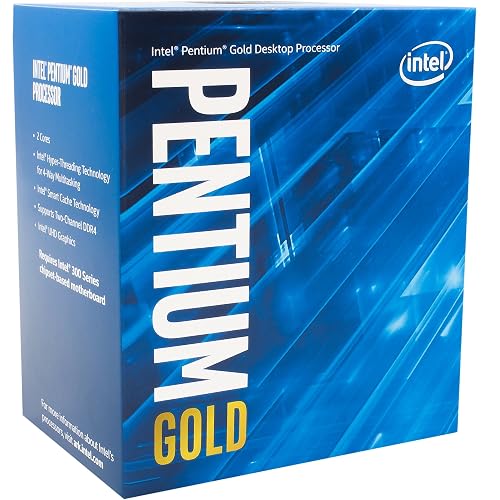
Intel Pentium Gold G5400 Desktop Processor (BX80684G5400)
If you want a simple, low-cost Intel chip for a basic desktop in 2026, the Intel Pentium Gold G5400 can still make sense, especially for light everyday use. It has 2 cores, 4 threads, and a 3.7 GHz base speed, so the system feels steady for browsing, email, and school tasks. Its 4 MB cache and 54 W to 58 W power draw help it stay modest. It fits LGA1151 300 series boards and works with Windows 10, so you can build or revive a small PC without much fuss or wallet pain.
- Processor Type:Pentium Gold
- Socket:LGA1151
- Core Count:2 cores
- Thread Count:4 threads
- Base Clock:3.7 GHz
- TDP:54 W
- Additional Feature:LGA1151 socket
- Additional Feature:4 MB cache
- Additional Feature:54W power
Intel Pentium Gold G-6400 Desktop Processor (BX80701G6400)
The Intel Pentium Gold G-6400 Desktop Processor, also known as the BX80701G6400, is a sensible choice for users who need a simple, reliable Windows PC for everyday tasks without paying for extra performance they will not use. It offers 2 cores, 4 threads, and a 4.0 GHz base frequency, so applications respond promptly. The processor fits LGA 1200 motherboards with Intel 400 series chipsets and supports Intel Optane Memory. The 58 W chip ships without a thermal solution, so plan cooling accordingly. Boxed versions include a three year warranty.
- Processor Type:Pentium Gold
- Socket:LGA1200
- Core Count:2 cores
- Thread Count:4 threads
- Base Clock:4.0 GHz
- TDP:58 W
- Additional Feature:LGA 1200 socket
- Additional Feature:Intel Optane support
- Additional Feature:Thermal solution omitted
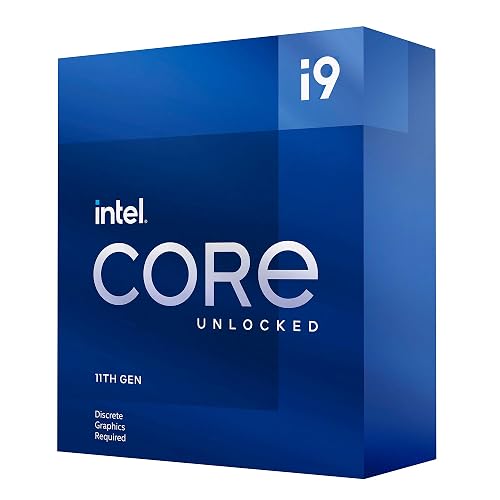
Intel Core i9-11900KF Desktop Processor (LGA1200)
Built for serious gamers and creators who want raw speed, the Intel Core i9-11900KF Desktop Processor brings 8 cores, 16 threads, and boost speeds up to 5.3 GHz to an LGA1200 setup. It is an overclockable chip, so you can push performance further if your cooling and motherboard can keep up. It works with Intel 500 Series and select 400 Series motherboards; confirm support with your board manufacturer first. Because it has no integrated graphics, you will need a discrete GPU. That makes it a strong choice for focused, high-end builds running Windows 10.
- Processor Type:Core i9
- Socket:LGA1200
- Core Count:8 cores
- Thread Count:16 threads
- Base Clock:3.5 GHz
- TDP:125 W
- Additional Feature:Unlocked multiplier
- Additional Feature:No integrated graphics
- Additional Feature:PCIe Gen 4.0
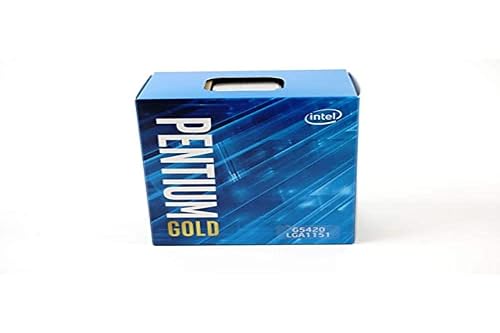
Intel Pentium Gold G5420 Desktop Processor 3.8 GHz
Intel Pentium Gold G5420 Desktop Processor 3.8 GHz is a solid choice for budget-friendly desktop builds, particularly when you need reliable everyday performance without paying for unused power. It provides 2 cores, 4 threads, and a 3.8 GHz base clock, so your PC feels responsive for browsing, schoolwork, and light multitasking. With 4 MB cache and a 54 W TDP, it remains energy efficient. The package includes Intel UHD Graphics, Optane support, and a boxed thermal solution. The processor fits LGA 1151 motherboards with Intel 300 Series chipsets, though a BIOS update may be required.
- Processor Type:Pentium Gold
- Socket:LGA1151
- Core Count:2 cores
- Thread Count:4 threads
- Base Clock:3.8 GHz
- TDP:54 W
- Additional Feature:Intel Optane support
- Additional Feature:Thermal solution included
- Additional Feature:Intel 300 Series
Intel Celeron G5905 Desktop Processor 3.5 GHz LGA1200
Need a small, steady CPU for a basic home or office PC? The Intel Celeron G5905 provides that with two cores, two threads, and a 3.5 GHz base speed. You get 4 MB of cache and a 58 W power draw, so it stays simple and efficient. It fits LGA1200 boards and works only with Intel 400 series chipsets, so check your motherboard first. It is suited to Windows 10 systems and basic tasks. Since Intel does not include a thermal solution, you will need your own cooler. Its 4.6-star rating indicates many users trust it.
- Processor Type:Celeron
- Socket:LGA1200
- Core Count:2 cores
- Thread Count:2 threads
- Base Clock:3.5 GHz
- TDP:58 W
- Additional Feature:400 series compatible
- Additional Feature:3-year boxed warranty
- Additional Feature:No thermal solution
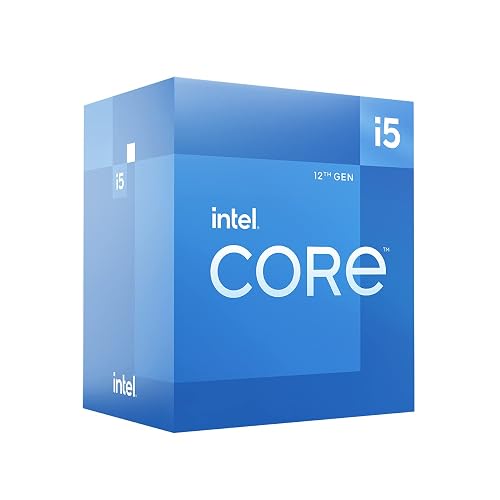
Intel® Core™ i5-12600 Desktop Processor 18MB Cache up to 4.80GHz
For gamers, multitaskers, and everyday builders who want strong speed without paying top-tier prices, the Intel Core i5-12600 is a smart sweet spot. You get 6 performance cores and 4 efficiency cores, 32 threads, and boost speeds up to 4.80 GHz, so your system feels quick in games, apps, and daily work. It fits LGA 1700 boards with Intel 600 series chipsets, and you can pair it with DDR4 or DDR5 memory up to 128 GB. You also get PCIe 5.0 and a quiet Intel Laminar RM1 cooler, which makes setup easier and safer.
- Processor Type:Core i5
- Socket:LGA1700
- Core Count:6 cores
- Thread Count:32 threads
- Base Clock:3.3 GHz
- TDP:65 W
- Additional Feature:Intel Laminar RM1
- Additional Feature:DDR5 and DDR4
- Additional Feature:LGA 1700 socket
CPU Protective Plastic Clamshell Case for Intel CPUs
This protective clamshell case is a practical choice for storing Intel Pentium CPUs without worrying about bent pins, scratches, or moisture damage. The set includes 10 thick plastic trays, each one sized for Intel sockets 775, 1155, 1151, 1150, and 1156. The clamshell holds the chip firmly, so you can transport it with less risk. Included antistatic bags help block air, humidity, and oxidation, and labels keep your parts organized. Heat sealing the bags provides an additional layer of protection.
- Processor Type:CPU clamshell case
- Socket:775/1155/1151/1150/1156
- Core Count:8-slot tray
- Thread Count:Not applicable
- Base Clock:4.7 in tray size
- TDP:Not applicable
- Additional Feature:10 clamshell trays
- Additional Feature:10 antistatic bags
- Additional Feature:Heat-sealable bags
Factors to Consider When Choosing Intel Pentium CPU Processors
When choosing an Intel Pentium CPU, begin with core and thread count, because they determine how well your system handles everyday multitasking. Next verify clock speed, socket compatibility, chipset support, and cache size, since these factors affect performance, compatibility, and responsiveness. Prioritizing these details up front helps you avoid compatibility issues and select a processor that suits your build.
Core And Thread Count
Core and thread count can make a Pentium CPU feel either smooth or sluggish, so it is worth paying close attention to both before you buy. If you mostly browse, write email, or stream music, two cores with two to four threads can handle those tasks without much fuss. Once you juggle several apps, tabs, or background processes, extra cores help you avoid slowdowns. Thread count matters because it lets each core do more work at once, which boosts performance in busy multitasking setups. Still, do not chase the highest numbers blindly. More cores and threads can mean more heat and higher power use, so match the chip to your cooling solution and daily needs.
Clock Speed Matters
After you look at core and thread count, clock speed helps you see how fast a Pentium CPU can actually respond in daily use. Clock speed, measured in GHz, shapes how snappy your chip feels in single-threaded jobs like browsing, email, and office work. Higher base and turbo clocks can make those light tasks feel smoother, but they do not tell the whole story. Your CPU’s microarchitecture, IPC, and cache also change real-world speed, so GHz alone can be misleading. Turbo speeds help for short bursts, yet good cooling and sufficient thermal headroom determine how long the chip can stay at those rates. Faster clocks also mean more heat and power use, so check the TDP and your cooling setup before you choose.
Socket Compatibility
Socket compatibility can make or break your Pentium upgrade, so check it before you buy. The motherboard socket must match the CPU exactly, whether LGA1151, LGA1200, or LGA1700, because these parts do not swap across families. Next, consult the board’s CPU compatibility list and confirm your exact Pentium generation appears there. That prevents surprise boot problems later. Also verify that the VRM and BIOS can handle the chip’s power requirements and any turbo behavior you plan to use. After that, check your cooler bracket, since the wrong mount can turn a simple upgrade into a small comedy. When these pieces align, your new Pentium should fit and run with far less stress.
Chipset Support
Chipsets quietly set the rules for what your Pentium CPU can really do, so it helps to dig into that before you buy. Check that the motherboard chipset supports your processor’s socket and generation, because that determines whether the chip will work at all. Then review memory support, PCIe version and lane count so your system can handle the speed and expansion you want. Also confirm the BIOS has the correct microcode or can receive an update, as that helps the system boot smoothly and remain stable. Next, pay attention to power delivery and VRM quality, because a weak platform can limit performance under load. Finally, ensure the chipset’s SATA, NVMe, USB and onboard device support match your storage and connection needs.
Cache Memory Size
Cache memory may not look exciting at first, but it can make a Pentium CPU feel much quicker in everyday use. When you compare models, check how much L2 and L3 cache they include. These small, fast storage areas keep often used data close to the cores, so the processor waits less and completes more work. If you browse a lot, write documents, or keep many tabs open, extra cache smooths out repeated tasks. It matters even more on Pentium chips because fewer cores need more help avoiding stalls. A balanced cache configuration, with a fast L2 and a larger L3, provides both speed and capacity. For budget PCs, additional cache often feels like a quiet, effective upgrade.
Integrated Graphics
Integrated graphics make a Pentium CPU much easier to live with, especially if you want a simple, low-cost PC that still feels smooth day to day. You can use it for display output, 1080p video playback, web browsing, and office work without adding a separate card. It also helps with light gaming, particularly older titles or low-detail settings. Because it uses shared RAM, pair the CPU with enough memory and decent memory speed, otherwise graphics performance can feel cramped. Some Pentium models include this feature, while others do not, so check the spec sheet before you buy. If you want a compact build, integrated graphics can save money, reduce power use, and keep the system simpler.
Thermal Solution
Before you pick an Intel Pentium CPU, check the thermal solution first, because it can save you a lot of trouble later. Some chips include a stock cooler, but others require you to buy one separately, so confirm the box contents before you plan your build. Next, look at the CPU’s TDP in watts; a higher number means you will need stronger cooling and better case airflow. After that, make sure the cooler matches the socket and mounting hardware, or it will not fit correctly. Also compare cooling capacity and noise, because quiet does not help if temperatures climb. Finally, check radiator space, RAM height, and airflow clearance so everything fits without a wrestling match.
Warranty And Returns
Warranty and returns may seem dull, but they matter when a Pentium CPU arrives dead, damaged, or incorrect. Check whether you have a 1 year tray warranty or a 3 year boxed limited warranty, since that determines how long defects are covered. Next, confirm whether the policy covers only the CPU or also the cooler and accessories. Read the return window carefully; many sellers allow only 30 days for unopened items, DOA units, or damaged goods. Ask about testing requirements and possible restocking fees. Keep your receipt and serial number, as you may need them for a claim. Manufacturer coverage and marketplace rules can vary significantly.
Frequently Asked Questions
Which Intel Pentium CPU Is Best for Basic Home Office Use?
For basic home office use, choose a recent Pentium Gold such as the G7400. It is snappy enough for email, documents, and video calls, and you can confirm that with everyday tasks.
Are Intel Pentium Processors Compatible With Windows 11?
Some Intel Pentium processors are compatible with Windows 11, but you need supported models, TPM 2.0, Secure Boot, and other compatible hardware. Check Microsofts CPU list before installing to avoid setup issues.
Can Intel Pentium CPUS Handle Light Gaming in 2026?
Yes, you can handle light gaming on an Intel Pentium in 2026, but expect limits. An integrated GPU may struggle beyond 720p. With 8 GB of RAM and older esports titles you can usually stay around 30 to 60 fps.
What Motherboard Chipset Works Best With Pentium Processors?
You’ll usually want an Intel H610 chipset motherboard, as it provides the best balance of price, compatibility, and basic features for Pentium processors. If you need more expansion, a B660 board can also work.
How Much Power Does an Intel Pentium Processor Typically Use?
You will typically see Intel Pentium processors use about 6 to 35 watts, depending on the model and load. Expect lower power laptop chips to consume less, and desktop versions to draw more.




