

If you want a 1440p gaming monitor in 2026, you have more strong options than ever, from budget-friendly IPS panels to premium OLED screens designed for speed and contrast.
The right choice depends on how you play, what hardware you use, and which trade-offs you are willing to accept. A few models clearly stand above the rest, and the differences between them matter more than you might expect.
| Acer Nitro 27-Inch QHD Gaming Monitor (KG271U) | 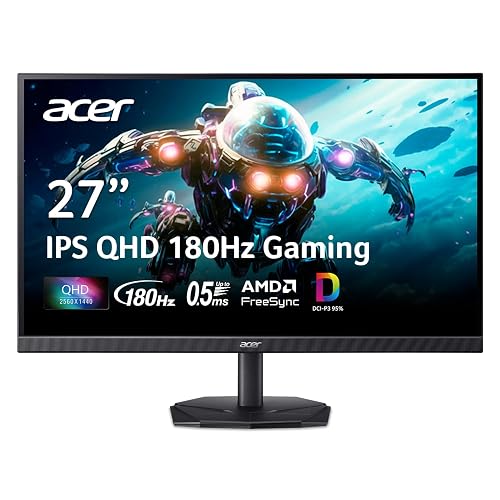 | Budget-Friendly Pick | Panel Type: IPS | Refresh Rate: 180Hz | Response Time: 0.5ms GTG | VIEW LATEST PRICE | Read Our Analysis |
| Acer Nitro 27-inch WQHD Gaming Monitor (XV272U) | 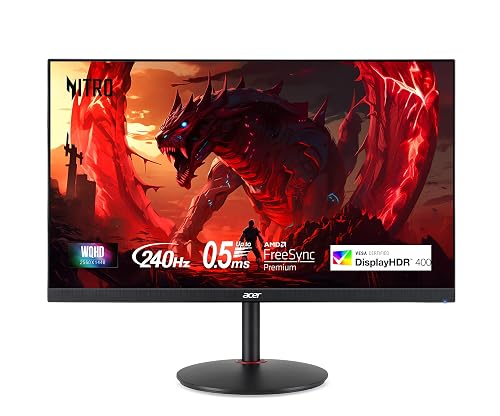 | Best Value | Panel Type: IPS | Refresh Rate: 240Hz | Response Time: Up to 0.5ms GTG | VIEW LATEST PRICE | Read Our Analysis |
| LG 27GR83Q-B 27-inch QHD Gaming Monitor | 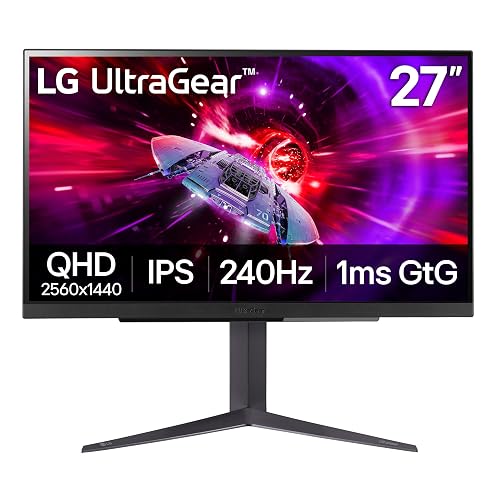 | Best For Consoles | Panel Type: IPS | Refresh Rate: 240Hz | Response Time: 1ms GtG | VIEW LATEST PRICE | Read Our Analysis |
| ASUS ROG Strix 27” OLED Gaming Monitor (XG27AQDMG) |  | Best OLED Value | Panel Type: OLED | Refresh Rate: 240Hz | Response Time: 0.03ms GTG | VIEW LATEST PRICE | Read Our Analysis |
| Alienware AW2725DF 26.7-inch OLED Gaming Monitor | 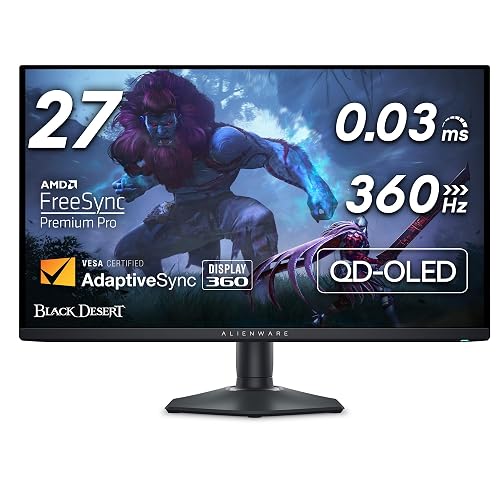 | Best Premium OLED | Panel Type: QD-OLED | Refresh Rate: 360Hz | Response Time: 0.03ms GtG | VIEW LATEST PRICE | Read Our Analysis |
| Alienware 27 Gaming Monitor AW2725DM | 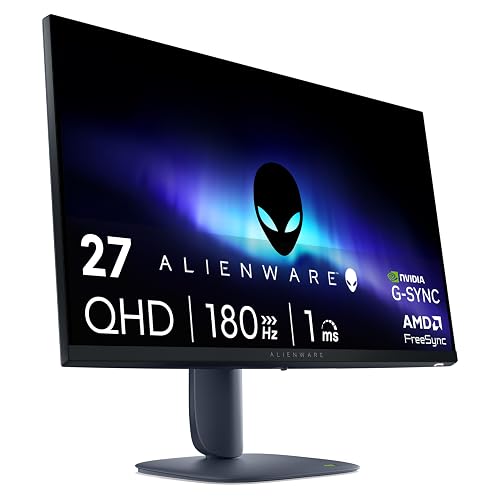 | Best Midrange Pick | Panel Type: Fast IPS | Refresh Rate: 180Hz | Response Time: 1ms GtG | VIEW LATEST PRICE | Read Our Analysis |
| ASUS ROG Strix 26.5” QD-OLED Gaming Monitor | 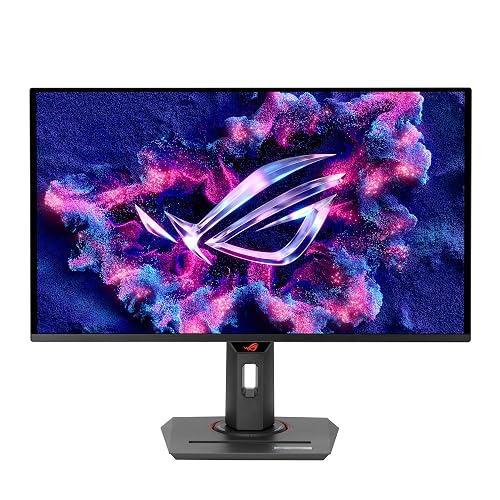 | Competitive Gaming Pick | Panel Type: QD-OLED | Refresh Rate: 360Hz | Response Time: 0.03ms GTG | VIEW LATEST PRICE | Read Our Analysis |
| AOC 27-Inch QHD Gaming Monitor (Q27G41ZE) | 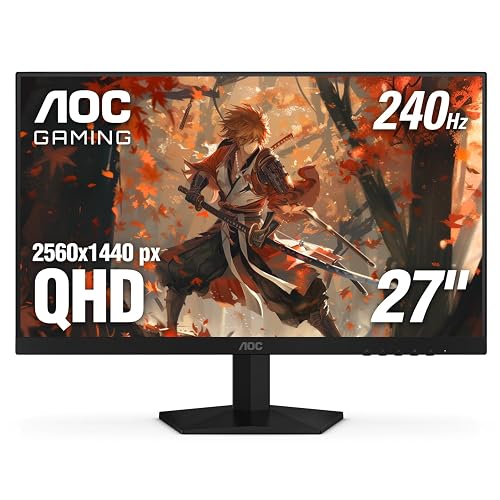 | Best Refresh Value | Panel Type: IPS | Refresh Rate: 240Hz | Response Time: 0.3ms MPRT | VIEW LATEST PRICE | Read Our Analysis |
| Samsung Odyssey G5 27-Inch Gaming Monitor (LS27FG532ENXZA) |  | Best Entry-Level | Panel Type: IPS | Refresh Rate: 200Hz | Response Time: 1ms MPRT | VIEW LATEST PRICE | Read Our Analysis |
| ASUS ROG Swift OLED 27” Gaming Monitor (PG27AQDP) | 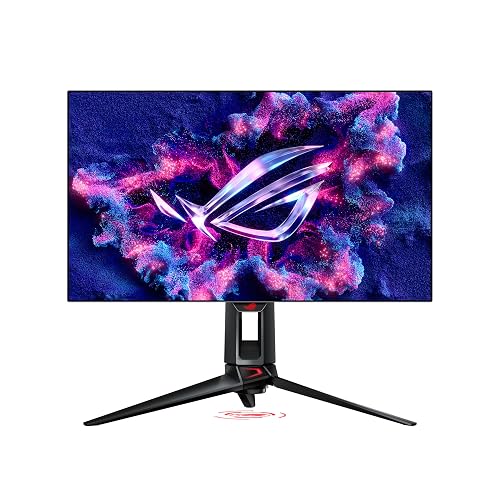 | Ultimate Esports Pick | Panel Type: WOLED | Refresh Rate: 480Hz | Response Time: 0.03ms | VIEW LATEST PRICE | Read Our Analysis |
More Details on Our Top Picks
Acer Nitro 27-Inch QHD Gaming Monitor (KG271U)
If you want a fast 1440p gaming monitor that balances sharp visuals with competitive performance, the Acer Nitro KG271U is an easy choice. It features a 27-inch IPS panel, QHD 2560 x 1440 resolution, a matte finish, and wide 178° viewing angles. The zero-frame design also helps save space and gives your setup a clean look.
For gaming, it offers up to 180Hz, 0.5ms GTG response time, and FreeSync support to reduce tearing, stutter, and ghosting. HDR10 and 95% DCI-P3 improve color depth and vibrancy. You also get DisplayPort, two HDMI 2.0 ports, built-in speakers, tilt adjustment, wall-mount compatibility, and a three-year warranty.
- Panel Type:IPS
- Refresh Rate:180Hz
- Response Time:0.5ms GTG
- Brightness:250 nits
- Color Gamut:DCI-P3 95%
- Warranty:3 years
- Additional Feature:HDR10 support
- Additional Feature:Built-in speakers
- Additional Feature:Tilt adjustment
Acer Nitro 27-inch WQHD Gaming Monitor (XV272U)
Acer’s Nitro XV272U is a strong pick for competitive players who want 1440p sharpness without giving up speed, thanks to its 240Hz refresh rate over DisplayPort, AMD FreeSync Premium support, and fast 1ms G-to-G response time. You also get an IPS panel with wide 178° viewing angles, 99% sRGB coverage, DisplayHDR 400, and a matte finish that helps control glare.
For daily use, you’ll appreciate the Ergostand, which includes height, tilt, swivel, and pivot adjustments, plus VESA support for custom mounting. Connectivity includes DisplayPort 1.4, dual HDMI 2.0, USB ports, and audio out. Flicker-less tech and ComfyView help reduce eye strain.
- Panel Type:IPS
- Refresh Rate:240Hz
- Response Time:Up to 0.5ms GTG
- Brightness:400 nits
- Color Gamut:sRGB 99%
- Warranty:3 years
- Additional Feature:Ergostand
- Additional Feature:USB 2.0 hub
- Additional Feature:DisplayHDR 400
LG 27GR83Q-B 27-inch QHD Gaming Monitor
LG’s 27GR83Q-B is a strong choice for competitive players who want 1440p clarity without sacrificing speed, with a 240Hz refresh rate and 1ms GtG response time. It features a 27-inch IPS panel with QHD resolution, 95% DCI-P3 color, DisplayHDR 400, and wide 178-degree viewing angles, so games look vivid and sharp.
It also includes G-SYNC compatibility, FreeSync Premium, Dynamic Action Sync, Black Stabilizer, Crosshair, and an FPS Counter to help keep gameplay smooth and responsive. HDMI 2.1, DisplayPort, USB ports, DTS Headphone:X, plus height, tilt, and pivot adjustments give it a well rounded and versatile setup.
- Panel Type:IPS
- Refresh Rate:240Hz
- Response Time:1ms GtG
- Brightness:400 cd
- Color Gamut:DCI-P3 95%
- Warranty:1 year
- Additional Feature:HDMI 2.1 support
- Additional Feature:DTS Headphone:X
- Additional Feature:FPS Counter
ASUS ROG Strix 27” OLED Gaming Monitor (XG27AQDMG)
ASUS’s ROG Strix XG27AQDMG is an excellent pick for competitive players who want OLED image quality without giving up speed. It offers a 240Hz refresh rate, 0.03ms GTG response time, and QHD resolution on a 27-inch glossy WOLED panel. You get sharp 1440p detail, rich contrast, and 99% DCI-P3 color for gaming and creative work.
Adaptive Sync, G-SYNC Compatible support, and FreeSync Premium help keep gameplay smooth. ASUS also includes OLED Anti-flicker, Eye Care features, and TÜV-certified low blue light. A custom heatsink, airflow-focused design, and OLED Care functions help reduce burn-in risk. HDMI, DisplayPort, USB ports, and wall-mount support complete the package.
- Panel Type:OLED
- Refresh Rate:240Hz
- Response Time:0.03ms GTG
- Brightness:Not specified
- Color Gamut:DCI-P3 99%
- Warranty:3 years
- Additional Feature:Glossy WOLED panel
- Additional Feature:ASUS OLED Care
- Additional Feature:Custom heatsink
Alienware AW2725DF 26.7-inch OLED Gaming Monitor
For competitive players who want elite speed without sacrificing OLED image quality, the Alienware AW2725DF stands out with a 360Hz refresh rate and a lightning-fast 0.03 ms gray-to-gray response time. It delivers tear-free gameplay with FreeSync Premium Pro and VESA AdaptiveSync, along with virtually no blur or ghosting. AlienVision overlays can also help sharpen your competitive edge.
Its 26.7-inch QD-OLED panel offers 2560 x 1440 resolution, infinite contrast, True Black 400, and 99.3% DCI-P3 coverage with Delta E under 2. It also includes ergonomic adjustments, five USB ports, AlienFX lighting, and strong burn-in protection through Dell’s three-year Advanced Exchange and Premium Panel warranty.
- Panel Type:QD-OLED
- Refresh Rate:360Hz
- Response Time:0.03ms GtG
- Brightness:1000
- Color Gamut:DCI-P3 99.3%
- Warranty:3 years
- Additional Feature:QD-OLED panel
- Additional Feature:AlienFX lighting
- Additional Feature:Burn-in coverage
Alienware 27 Gaming Monitor AW2725DM
Alienware’s 27 Gaming Monitor AW2725DM is a strong choice if you want a fast, versatile 1440p display for both competitive gaming and everyday use. Its 27-inch Fast IPS panel delivers a sharp 2560 x 1440 resolution, a 180Hz refresh rate, and a 1ms gray-to-gray response time, helping you see smooth motion and react quickly.
It also supports G-SYNC, FreeSync, and AdaptiveSync, along with DisplayHDR 400, 95% DCI-P3 color coverage, and a matte anti-glare screen for a balanced gaming and media experience. The stand supports height, tilt, swivel, and pivot adjustments, while HDMI, DisplayPort, and USB connectivity help keep your setup flexible and organized.
- Panel Type:Fast IPS
- Refresh Rate:180Hz
- Response Time:1ms GtG
- Brightness:400
- Color Gamut:DCI-P3 95%
- Warranty:3 years
- Additional Feature:Fast IPS panel
- Additional Feature:Console mode
- Additional Feature:Low blue light
ASUS ROG Strix 26.5” QD-OLED Gaming Monitor
Built for competitive players who want speed without sacrificing image quality, the ASUS ROG Strix XG27ACDNG combines a 26.5-inch QD-OLED panel with a 360Hz refresh rate and 0.03ms GTG response time. It delivers sharp 1440p visuals, G-SYNC Compatible and FreeSync Premium Pro support, plus OLED anti-flicker technology for smoother, cleaner gameplay.
DisplayHDR 400 True Black certification, 99% DCI-P3 coverage, and true 10-bit color help games look rich and accurate. ASUS also protects the panel with OLED Care+, a custom heatsink, and advanced airflow. Connectivity includes HDMI, DisplayPort, and USB-C, and the monitor is backed by a three-year warranty.
- Panel Type:QD-OLED
- Refresh Rate:360Hz
- Response Time:0.03ms GTG
- Brightness:3426 lm
- Color Gamut:DCI-P3 99%
- Warranty:3 years
- Additional Feature:QD-OLED panel
- Additional Feature:USB-C connectivity
- Additional Feature:OLED Care+
AOC 27-Inch QHD Gaming Monitor (Q27G41ZE)
AOC’s Q27G41ZE is a strong choice when you want a 1440p monitor focused on competitive speed without sacrificing IPS image quality. It features a 27-inch QHD panel with a 240Hz refresh rate over DisplayPort, overclockable to 260Hz, along with 0.3ms MPRT for sharper motion and reduced blur. Adaptive-Sync, FreeSync, and G-Sync compatibility also help keep gameplay smooth and tear-free.
You can adjust visibility with Shadow Control, Game Mode presets, and the graphical OSD. The frameless design keeps the look clean, while tilt adjustment and VESA support make placement easier. HDMI 2.0, DisplayPort 1.4, audio out, HDR Ready support, and AOC’s three-year coverage complete the package.
- Panel Type:IPS
- Refresh Rate:240Hz
- Response Time:0.3ms MPRT
- Brightness:300 nits
- Color Gamut:Not specified
- Warranty:3 years
- Additional Feature:260Hz overclock
- Additional Feature:Shadow Control
- Additional Feature:Zero-bright-dot support
Samsung Odyssey G5 27-Inch Gaming Monitor (LS27FG532ENXZA)
If you want a 1440p gaming monitor that prioritizes speed without sacrificing image clarity, the Samsung Odyssey G5 27-Inch G53F is an easy choice. It features a 27-inch flat IPS panel with a sharp 2560 x 1440 resolution, a 200Hz refresh rate, and a 1ms MPRT response time for smooth, responsive gameplay. FreeSync Premium, Adaptive Sync, and HDR10 help reduce tearing while improving contrast and highlight detail.
It also includes useful gaming tools like Black Equalizer and Virtual Aim Point. Two HDMI ports, one DisplayPort, and Auto Source Switch+ make switching between devices simple. Its matte screen, tilt support, and desk-mount compatibility help keep your setup practical.
- Panel Type:IPS
- Refresh Rate:200Hz
- Response Time:1ms MPRT
- Brightness:300 cd/㎡
- Color Gamut:0.72 color gamut
- Warranty:1 year
- Additional Feature:Auto Source Switch+
- Additional Feature:Black Equalizer
- Additional Feature:Virtual Aim Point
ASUS ROG Swift OLED 27” Gaming Monitor (PG27AQDP)
Want the fastest 1440p gaming monitor you can buy for competitive play? The ASUS ROG Swift OLED PG27AQDP gives you a 26.5-inch QHD WOLED panel with a groundbreaking 480Hz refresh rate and an ultra-fast 0.03ms response time. You get exceptional motion clarity with ELMB, Adaptive Sync, G-SYNC Compatible, and FreeSync Premium support.
It also makes your games look stunning with true 10-bit color, 99% DCI-P3 coverage, Delta E <2 accuracy, and DisplayHDR True Black 400. ASUS adds a custom heatsink, passive cooling, OLED Care+, and AI Assistant tools to help reduce burn-in risk. HDMI, DisplayPort, included cables, and a 3-year warranty complete the package.
- Panel Type:WOLED
- Refresh Rate:480Hz
- Response Time:0.03ms
- Brightness:1300 cd/m²
- Color Gamut:DCI-P3 99%
- Warranty:3 years
- Additional Feature:480Hz OLED panel
- Additional Feature:OLED Care+
- Additional Feature:ROG AI Assistant
Factors to Consider When Choosing a 1440p Gaming Monitor
When choosing a 1440p gaming monitor, match the resolution and screen size to your setup and play style. Compare panel type, screen finish, refresh rate, and response time, since these factors directly affect image quality and motion clarity. Also check for Adaptive Sync support, HDR performance, and color gamut so you get smoother gameplay and richer visuals.
Resolution And Screen Size
Because 1440p typically means a 2560 × 1440 resolution, it gives you a clear step up in sharpness over 1080p without the heavier performance demands of 4K. That makes it a smart middle ground if you want better detail in games while keeping frame rates more attainable across a wider range of GPUs.
When you pair 1440p with a 27-inch screen, you usually get the best balance. At that size, pixel density stays high enough for crisp text and clean game visuals, and you will not need aggressive scaling. If you move up to 32 inches, 1440p can still look good, but sharpness drops because the same pixels cover more space. Smaller screens look even sharper, but you may give up some immersion compared with a 27-inch or larger display.
Panel Type And Finish
Resolution and screen size set the baseline, but panel type and screen finish shape how your games actually look day to day. If you want accurate color and flexible placement, IPS remains a safe choice, with wide 178° viewing angles and coverage that can reach roughly 95% DCI-P3 or 99% sRGB. Many 1440p gaming displays also use flat panels, so the coating and panel characteristics have a major effect on perceived sharpness and comfort.
If contrast matters more, OLED and QD-OLED panels deliver deeper blacks and near-infinite contrast, which helps shadowy scenes look richer and more detailed. Matte finishes reduce glare in bright rooms, while glossy finishes look more vibrant but reflect more. Fast IPS and WOLED or QD-OLED options can also combine strong image quality with gaming-focused responsiveness effectively.
Refresh Rate And Response
Smoothness often defines how responsive a 1440p gaming monitor feels, and refresh rate is central to that experience. If you play fast shooters or racing games, higher rates such as 180Hz, 200Hz, 240Hz, 360Hz, or even 480Hz make motion look cleaner and reduce perceived blur. At 1440p, that added smoothness can be especially valuable for esports-focused play where tracking targets quickly matters.
You should also pay attention to response time, because lower gray-to-gray figures such as 1ms or 0.03ms help reduce ghosting and smearing during rapid scene changes. Refresh rate and response time work best together. A high-refresh monitor with a fast panel delivers clearer motion than a display that performs well in only one area. Also confirm that your connection supports higher 1440p refresh rates properly over DisplayPort or HDMI.
Adaptive Sync Support
Whenever your frame rate rises and falls during a match, Adaptive Sync keeps the monitor’s refresh rate aligned with your GPU output, reducing screen tearing, stutter, and unnecessary input lag. This matters more than a fixed refresh rate alone when your system cannot maintain a steady frame rate. You will notice smoother gameplay and more consistent motion during demanding scenes.
When comparing 1440p gaming monitors, look for support across multiple standards, including FreeSync, FreeSync Premium, FreeSync Premium Pro, G-SYNC Compatible, and VESA AdaptiveSync. Broader support improves the chances of seamless pairing with your current or future GPU. Many displays combine Adaptive Sync with 180Hz, 200Hz, 240Hz, 360Hz, or 480Hz refresh rates, but sync is what keeps action smooth. It is especially useful on fast IPS and OLED panels.
HDR And Color Gamut
If you want games to look as vivid as they feel, pay close attention to HDR performance and color gamut, not just whether a monitor lists HDR support on the box. A wide gamut, such as DCI-P3 95% to 99.3% or sRGB 99%, delivers richer, more saturated color than narrower panels, so worlds, spells, and lighting effects appear more natural and immersive.
You should also evaluate HDR quality, not just the label. DisplayHDR 400, DisplayHDR True Black 400, and HDR10 can indicate different levels of brightness, contrast, and shadow detail. OLED and QD-OLED screens perform especially well here because they produce extremely deep blacks and very high contrast, which makes bright highlights look more dramatic. Higher brightness, from 400 nits to around 1000 nits peak, increases visual impact further. True 10-bit color and Delta E under 2 help keep gradients smooth and colors accurate.
Ports And Connectivity
A monitor’s ports can make or break your 1440p gaming setup, especially if you want to use high refresh rates without compromise. Check for DisplayPort first, because many monitors only reach their maximum refresh rate through DisplayPort, not HDMI. You should also match the HDMI version to your device, since HDMI 2.0 can limit refresh rates that DisplayPort 1.4 or HDMI 2.1 support more easily.
If you connect a console, laptop, and PC, multiple inputs save time. A monitor with two HDMI ports and one DisplayPort lets you switch sources without constantly swapping cables. Extra ports matter as well. USB, USB-C, audio out, and headphone jacks can reduce clutter and turn the monitor into a useful hub. Included cables also simplify setup and help you save money upfront.
Ergonomics And Mounting
Because comfort affects every gaming session, prioritize a monitor with height, tilt, swivel, and pivot adjustments so you can place the screen at eye level and reduce neck and shoulder strain. These adjustments matter most during long matches, work sessions, or mixed daily use. If you want the widest range of movement, an ergostand-style base usually makes fine-tuning easier and helps you achieve a more natural posture quickly.
You should also check for VESA mount support, typically 100 x 100 mm, if you plan to use a monitor arm or wall mount. That flexibility helps you save desk space, create a cleaner setup, and position the display exactly where you need it. A compact stand also works better on crowded desks and simplifies multi-monitor arrangements in tighter gaming spaces.
Frequently Asked Questions
Can a 1440P Monitor Work Well With a Laptop Docking Station?
Yes, a 1440p monitor can work very well with a laptop docking station, as long as the dock supports the required DisplayPort or HDMI bandwidth, your laptop’s GPU can handle 1440p output, and you use compatible cables to achieve your desired refresh rate.
Do 1440P Gaming Monitors Consume Much More Electricity Than 1080P Models?
No, you usually will not see much higher electricity use. You get sharper detail instead of softer images, not a major power increase. Screen size, brightness, refresh rate, and panel type usually affect consumption more than 1440p versus 1080p alone.
Are Wall Mounts and Monitor Arms Compatible With Most 1440P Gaming Monitors?
Yes, most 1440p gaming monitors are compatible with wall mounts and monitor arms if they use standard VESA mounting patterns. Before buying a mount, check the monitor’s size, weight, and port clearance to make sure it fits properly.
How Long Do OLED 1440P Gaming Monitors Typically Last With Regular Use?
You can expect an OLED 1440p gaming monitor to last about 5 to 10 years with regular use. You can extend its lifespan by lowering brightness, using pixel refresh features, and limiting static images.
Do 1440P Monitors Require Special Cables for High Refresh Rates?
Not exactly, you just need the right cable, not anything fancy. For 1440p at high refresh rates, use DisplayPort 1.4 or HDMI 2.1. Older versions may not support the bandwidth. Check your monitor, GPU, and cable specifications first.




