

If you’re shopping for a gaming monitor under $600 in 2026, you have more strong choices than ever.
From Acer Nitro’s sharp 27-inch QHD panels to faster budget picks from Gawfolk, SANSUI, and Sceptre, the real challenge is matching speed, size, and comfort to your setup.
The best part is that a few standout models do not force you to compromise; one of them may surprise you.
| Acer Nitro 27″ QHD IPS Gaming Monitor (KG271U N3bmiipx) | 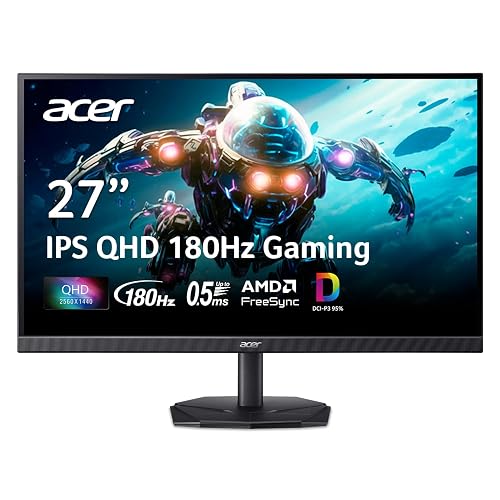 | Best Budget QHD | Screen Size: 27-inch | Resolution: QHD 2560 x 1440 | Panel Type: IPS | VIEW LATEST PRICE | Read Our Analysis |
| Acer Nitro 27″ WQHD Gaming Monitor (XV272U W2bmiiprx) | 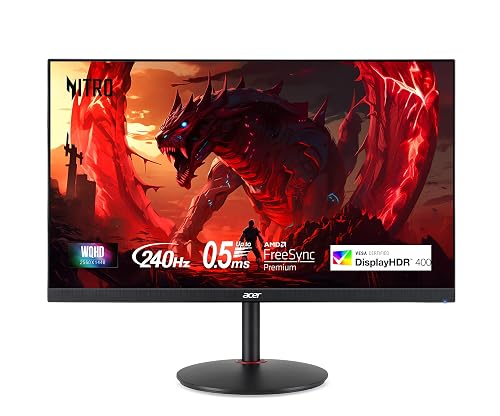 | Best High Refresh | Screen Size: 27-inch | Resolution: WQHD 2560 x 1440 | Panel Type: IPS | VIEW LATEST PRICE | Read Our Analysis |
| Gawfolk 24.5″ 200Hz FHD Gaming Monitor | 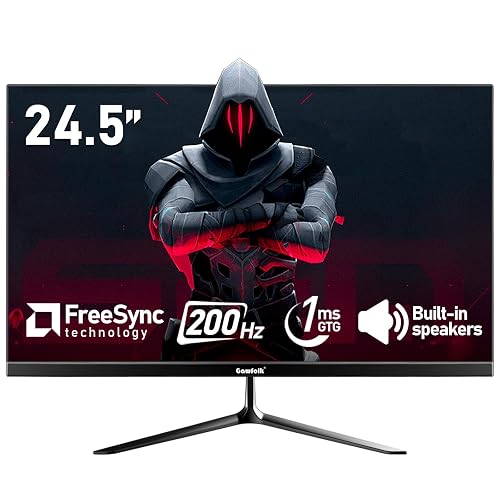 | Best Budget 200Hz | Screen Size: 24.5-inch | Resolution: FHD 1920 x 1080 | Panel Type: VA | VIEW LATEST PRICE | Read Our Analysis |
| Gawfolk 24.5″ Curved Gaming Monitor 120Hz Full HD |  | Best Curved Budget | Screen Size: 24.5-inch | Resolution: FHD 1920 x 1080 | Panel Type: VA | VIEW LATEST PRICE | Read Our Analysis |
| SANSUI 27-Inch Curved 160Hz Gaming Monitor | 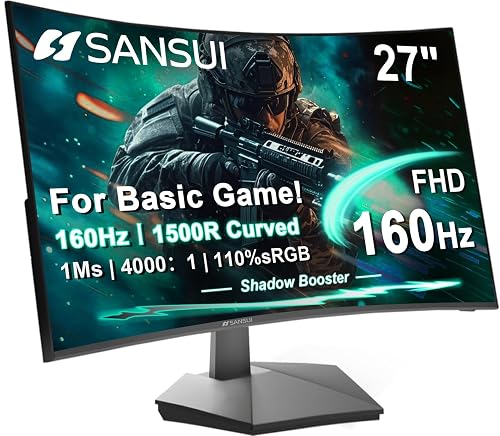 | Best Curved All-Around | Screen Size: 27-inch | Resolution: FHD 1920 x 1080 | Panel Type: LED | VIEW LATEST PRICE | Read Our Analysis |
| Sceptre 22-Inch Gaming Monitor FHD 144Hz (E225W-FW144) | 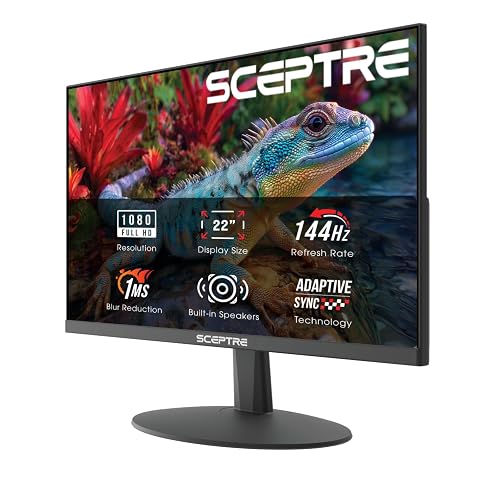 | Best Compact Pick | Screen Size: 22-inch | Resolution: FHD 1920 x 1080 | Panel Type: LED | VIEW LATEST PRICE | Read Our Analysis |
| SANSUI 27-Inch Curved 240Hz Gaming Monitor FHD | 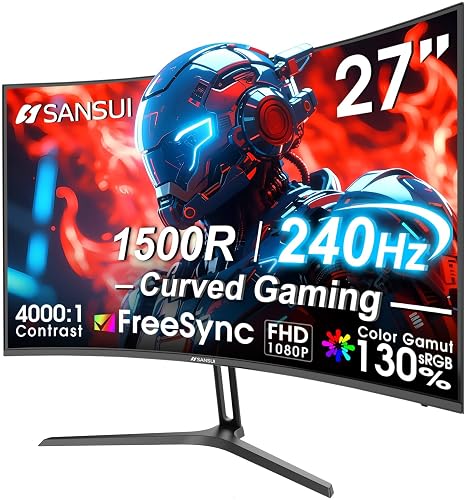 | Best 240Hz Value | Screen Size: 27-inch | Resolution: FHD 1920 x 1080 | Panel Type: LED | VIEW LATEST PRICE | Read Our Analysis |
More Details on Our Top Picks
Acer Nitro 27″ QHD IPS Gaming Monitor (KG271U N3bmiipx)
If you want a 27-inch gaming monitor that delivers sharp QHD detail, fast 180Hz performance, and smooth gameplay without pushing past the $600 mark, the Acer Nitro KG271U N3bmiipx is a strong fit. You get an IPS panel with 95% DCI-P3 coverage, HDR10 support, and wide 178° viewing angles, so colors stay vivid from almost anywhere. AMD FreeSync and a 0.5ms GTG response help cut tearing, stutter, and blur. You also get DisplayPort and HDMI inputs, built-in speakers, tilt adjustment, and a three year warranty.
- Screen Size:27-inch
- Resolution:QHD 2560 x 1440
- Panel Type:IPS
- Refresh Rate:Up to 180Hz
- Response Time:Up to 0.5ms GTG
- Adaptive Sync:AMD FreeSync
- Additional Feature:HDR 10 support
- Additional Feature:DCI-P3 95% gamut
- Additional Feature:Built-in speakers
Acer Nitro 27″ WQHD Gaming Monitor (XV272U W2bmiiprx)
The Acer Nitro 27″ WQHD Gaming Monitor (XV272U W2bmiiprx) is a strong pick if you want a fast, sharp 1440p display that can keep up with competitive play, thanks to its 240Hz refresh rate over DisplayPort and 1 ms response time. You also get AMD FreeSync Premium, so gameplay stays smooth when frame rates dip. Its IPS panel delivers 99% sRGB and DisplayHDR 400 for rich color and decent contrast. Use the included DisplayPort or HDMI cables, then dial in the Ergostand with tilt, height, swivel, and pivot for comfortable viewing.
- Screen Size:27-inch
- Resolution:WQHD 2560 x 1440
- Panel Type:IPS
- Refresh Rate:Up to 240Hz
- Response Time:1ms G to G
- Adaptive Sync:AMD FreeSync Premium
- Additional Feature:DisplayHDR 400
- Additional Feature:360° swivel
- Additional Feature:90° pivot
Gawfolk 24.5″ 200Hz FHD Gaming Monitor
For gamers who want a fast 200Hz display without going over budget, the Gawfolk 24.5-inch FHD monitor is an easy pick. It uses a 24.5-inch VA panel with 1080p sharpness, 99% sRGB coverage, and a matte finish that cuts glare. It reaches 200Hz through DisplayPort, while HDMI supports 120Hz. 1 ms GTG response and FreeSync help keep motion smooth. The monitor also offers flicker-free, low-blue-light comfort, dual speakers, HDMI and DisplayPort inputs, and a wall-mountable, near bezel-less design.
- Screen Size:24.5-inch
- Resolution:FHD 1920 x 1080
- Panel Type:VA
- Refresh Rate:200Hz
- Response Time:1ms GTG
- Adaptive Sync:AMD FreeSync / Adaptive Sync
- Additional Feature:99% sRGB gamut
- Additional Feature:Low blue light
- Additional Feature:Dual speakers
Gawfolk 24.5″ Curved Gaming Monitor 120Hz Full HD
Gawfolk’s 24.5-inch curved gaming monitor is a smart pick for budget-conscious players who want smooth 120Hz gameplay without giving up image quality. You get a 3000R VA panel, Full HD resolution, 98% sRGB coverage, and 8-bit color for crisp, vibrant visuals with strong 3500:1 contrast. Its 1ms GTG response helps keep fast scenes clear, while HDMI supports 120Hz and VGA reaches 60Hz. You can connect most laptops and PCs easily, enjoy built-in speakers, reduce eye strain with eye care technology, tilt the screen, or mount it using 75×75mm VESA compatibility.
- Screen Size:24.5-inch
- Resolution:FHD 1920 x 1080
- Panel Type:VA
- Refresh Rate:120Hz
- Response Time:1ms GTG
- Adaptive Sync:Not specified
- Additional Feature:3000R curvature
- Additional Feature:3500:1 contrast
- Additional Feature:Eye care technology
SANSUI 27-Inch Curved 160Hz Gaming Monitor
If you want a budget-friendly curved monitor that still feels responsive for fast-paced play, the SANSUI 27-inch model stands out with its 160Hz refresh rate, 1ms MPRT, and FreeSync support. You get a 1500R curve, 1080p resolution, and 110% sRGB coverage, so games and movies look vivid without overcomplicating setup. HDR, Adaptive Sync, and gamer tools like Crosshair and Timer help you stay focused. HDMI 2.0 and DisplayPort 1.4 both reach 160Hz. The tilt-only stand and VESA mount give you flexible placement.
- Screen Size:27-inch
- Resolution:FHD 1920 x 1080
- Panel Type:LED
- Refresh Rate:160Hz
- Response Time:1ms MPRT
- Adaptive Sync:FreeSync / Adaptive Sync
- Additional Feature:1500R curvature
- Additional Feature:110% sRGB coverage
- Additional Feature:Gamer preset modes
Sceptre 22-Inch Gaming Monitor FHD 144Hz (E225W-FW144)
Sceptre’s 22-inch E225W-FW144G is a smart pick when you want a compact gaming monitor that still delivers fast-paced performance, with a 144Hz refresh rate, 1ms response time, and FreeSync support. You get a crisp 1080p image on a matte 16:9 panel, plus Adaptive Sync for smoother play. Its 170-degree viewing angle and 2000:1 contrast help keep visuals clear, and Blue Light Shift eases long sessions. You can connect through HDMI or DisplayPort, use the built-in speakers, and even wall-mount it. It is backed by a 1-year warranty.
- Screen Size:22-inch
- Resolution:FHD 1920 x 1080
- Panel Type:LED
- Refresh Rate:Up to 144Hz
- Response Time:1ms
- Adaptive Sync:Adaptive Sync / FreeSync
- Additional Feature:2000:1 contrast
- Additional Feature:Blue Light Shift
- Additional Feature:Photo video editing
SANSUI 27-Inch Curved 240Hz Gaming Monitor FHD
The SANSUI 27-inch curved monitor is a strong pick if you want a budget-friendly 240Hz display with fast 1ms response times, as it delivers the smooth motion competitive gamers need without pushing past the $600 mark. You get a 1080p FHD panel with 1500R curvature, 300 nits brightness, HDR support, and wide color coverage for punchy visuals. FreeSync, OverDrive, and Black Level controls help you tune performance, and anti-flicker plus low blue light reduce eye strain. HDMI, DisplayPort 1.4, and VESA mounting provide flexible setup options.
- Screen Size:27-inch
- Resolution:FHD 1920 x 1080
- Panel Type:LED
- Refresh Rate:240Hz
- Response Time:1ms
- Adaptive Sync:FreeSync / Adaptive Sync
- Additional Feature:1500R curvature
- Additional Feature:130% sRGB gamut
- Additional Feature:Lifetime technical support
Factors to Consider When Choosing Gaming Monitors Under 600
When choosing a gaming monitor under $600, prioritize refresh rate and response time so gameplay feels smooth and responsive. Match resolution and screen size to your setup, since panel type affects color accuracy and viewing angles. Do not overlook connectivity and ergonomics, because the right ports and stand adjustments make your gaming space more comfortable and flexible.
Refresh Rate Needs
Higher refresh rates make motion look smoother, reduce perceived blur, and can lower input lag, which matters a lot in fast-paced games. For most players, 120 Hz provides a strong baseline; 144 Hz and 160 Hz feel noticeably smoother in action games and competitive matches. If you mainly play esports or rapid-fire shooters, 180 Hz to 240 Hz can sharpen motion during fast camera turns and help you track targets more easily. Make sure your monitor connection supports the top mode you want, since some screens require DisplayPort to reach their full rate and HDMI may limit it. You should also match refresh rate to your PC or console, because a high-Hz display will not help much if your hardware cannot keep frame rates high and steady enough.
Response Time Speed
Fast response times matter because they help reduce motion blur and keep fast-moving scenes clearer. You will usually want 1 ms GTG or MPRT for gaming, since lower numbers help minimize ghosting, smearing, and trailing during fast camera turns. Some monitors claim 0.5 ms GTG, but that is often a best-case figure, so compare it against the more common 1 ms spec. You should also check whether the rating uses GTG or MPRT, because they do not mean the same thing. In competitive play, a slow panel can make targets harder to track. Pairing a quick response time with a high refresh rate gives smoother motion and can lower perceived input lag, which helps you react faster and stay focused during intense matches.
Resolution And Size
For gaming, size and resolution should work together, not against each other. If you want the best all-around pick, a 27-inch monitor with 2560 × 1440 resolution gives you sharp detail and plenty of screen space. HUDs stay readable, textures look cleaner, and distant objects stand out more than they do on 1080p. If you prefer easier performance and very high frame rates, a 24.5-inch 1920 × 1080 display can still feel fast, but you will give up image detail and workspace. At the same size, higher resolution always looks crisper because pixel density rises. Also consider your desk and viewing distance; a larger screen needs enough resolution to stay sharp, while a smaller high-resolution model can look dense.
Panel Type Matters
Once you’ve matched size and resolution to your setup, the next big choice is panel type, because it shapes how your games actually look and feel. If you want deeper blacks and punchier contrast, a VA panel can give you that richer image. If you prefer wider viewing angles and steadier color across the screen, IPS usually wins, with about 178 degrees of consistency. Also check color coverage; better panels can reach roughly 95% to 130% of sRGB or DCI-P3 for more vibrant, accurate visuals. For fast-paced shooters or racers, response time matters too, and panels rated around 1 ms to 0.5 ms help keep motion crisp. Under $600, do not chase refresh rate alone. Balance contrast, color, and motion clarity.
Connectivity And Ergonomics
Connectivity matters as much as specs because the right ports and stand can make a monitor fit your setup better. Check for DisplayPort and multiple HDMI inputs, since some monitors only reach their highest refresh rates on certain connections. If you use speakers or wired headphones, a 3.5 mm audio out jack keeps your setup simple. Ergonomics matter as well: tilt, height, swivel, and pivot let you dial in a comfortable viewing angle for long sessions. VESA mount support, usually 75 x 75 mm or 100 x 100 mm, allows you to move the display onto an arm or wall mount and free up desk space. Built-in speakers and a flexible stand can also reduce clutter and make the monitor easier to use for gaming and everyday tasks.
Frequently Asked Questions
Are OLED Monitors Worth It Under $600 for Gaming?
Yes, you will often find OLED worth it under $600 if you prioritize perfect blacks, instantaneous response, and superior contrast. You may sacrifice peak brightness, face some burn-in risk, and have fewer size options, but gaming is generally more immersive and responsive overall.
Can Console Gamers Benefit From 1440P at 120HZ?
Yes. If your console supports 1440p at 120Hz, you will see sharper images, smoother motion, and lower input lag. Fast games will feel more responsive and look cleaner overall.
How Important Is HDR in Budget Gaming Monitors?
HDR matters less than you might think. You will notice it only if you choose a decent panel. Prioritize brightness, contrast, and color accuracy first, because cheap HDR often functions as a superficial badge rather than a meaningful upgrade.
Do Gaming Monitors Under $600 Need Built-In Speakers?
No, built-in speakers are not necessary. Headphones or external speakers usually provide better sound, and choosing them lets you save money or invest in a higher-quality display. Built-in speakers are mainly useful only for convenience.
Which Ports Are Best for Future-Proofing a Gaming Monitor?
For future-proofing, choose HDMI 2.1 and DisplayPort 1.4 or 2.1. They are the lifelines of modern gaming. Add USB-C with power delivery, and you will cover consoles, PCs, and accessories without scrambling later.




