


Choosing the right Core i3 in 2026 can feel like picking the right key for a lock, because the wrong chip fits, but it will not open much.
You need a CPU that matches your budget, your motherboard, and the kind of work you do each day. Some i3 models still shine for simple upgrades, while others deliver fresher speed and better efficiency. The real difference becomes obvious when you pair them with the right memory, graphics, and socket.
| Intel Core i3-9100 Desktop Processor 4 Cores | 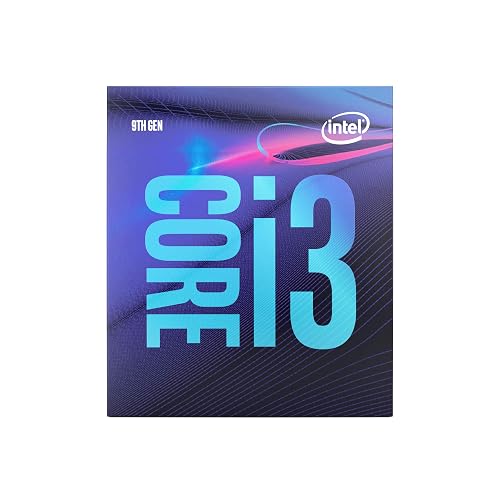 | Budget Pick | Core Count: 4 cores | Thread Count: 4 threads | Socket: LGA 1151 | VIEW LATEST PRICE | Read Our Analysis |
| Intel Core i5-14400F Desktop Processor 10-Core 4.7GHz | 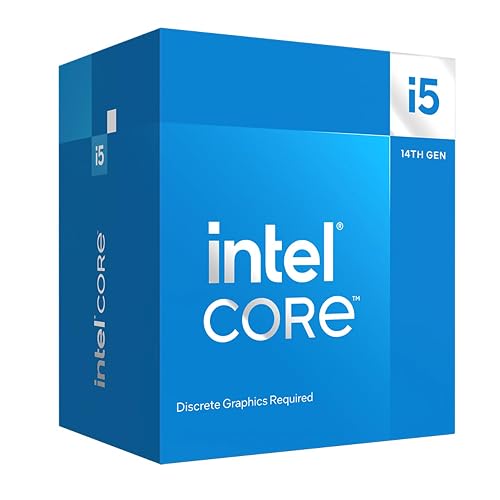 | Best Performance | Core Count: 10 cores | Thread Count: 16 threads | Socket: LGA1700 | VIEW LATEST PRICE | Read Our Analysis |
| Intel Core i3-12100 Quad-Core Processor Retail Pack |  | Best Value | Core Count: 4 cores | Thread Count: 8 threads | Socket: LGA 1700 | VIEW LATEST PRICE | Read Our Analysis |
| Intel Core i3-12100 LGA1700 Processor (BX8071512100) | 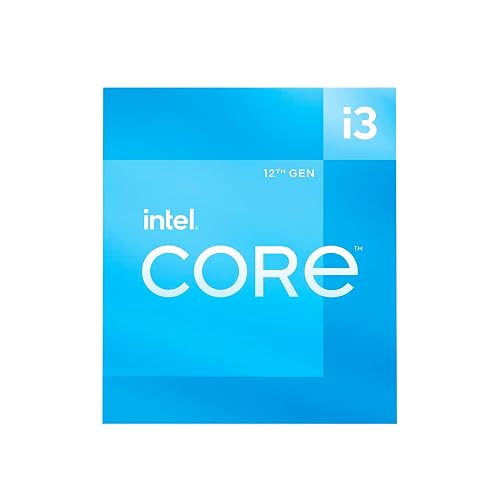 | Best Value | Core Count: 4 cores | Thread Count: 8 threads | Socket: LGA 1700 / FCLGA1700 | VIEW LATEST PRICE | Read Our Analysis |
| Intel Core i3-10105F 4-Core LGA 1200 CPU | 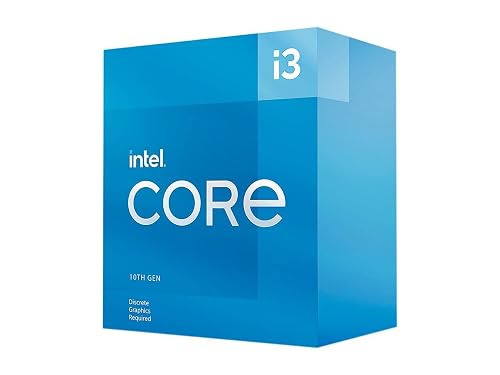 | Budget Gaming Pick | Core Count: 4 cores | Thread Count: 8 threads | Socket: LGA 1200 | VIEW LATEST PRICE | Read Our Analysis |
More Details on Our Top Picks
Intel Core i3-9100 Desktop Processor 4 Cores
The Intel Core i3-9100 desktop processor is a smart pick if you want solid everyday speed without paying for power you may not use. It has 4 cores, 4 threads, a 3.6 GHz base clock, and boost speeds up to 4.2 GHz, so your desktop feels quick during work, browsing, and light gaming. It fits Intel 300 Series motherboards with an LGA 1151 socket, though you may need a BIOS update. You also get Intel Optane support, Intel Turbo Boost 2.0, included cooling, and a 65 W design that stays efficient.
- Core Count:4 cores
- Thread Count:4 threads
- Socket:LGA 1151
- Base Speed:3.6 GHz
- Cache:6 MB
- Graphics:Intel UHD Graphics
- Additional Feature:9th Gen Intel Core
- Additional Feature:Intel Optane Memory
- Additional Feature:Thermal solution included
Intel Core i5-14400F Desktop Processor 10-Core 4.7GHz
The Intel Core i5-14400F desktop processor is a smart pick if you want solid gaming and everyday performance without paying for a graphics solution you may not use. It offers 10 cores, 16 threads, and boost speeds up to 4.7 GHz, so your PC stays responsive in games and during multitasking. Its hybrid design separates heavy and light tasks effectively, producing a smooth experience for work and play. You also get PCIe 5.0 support, compatibility with DDR4 or DDR5 memory, and an LGA1700 socket. It ships with Intel Laminar RM1 cooling, making setup easier and less stressful.
- Core Count:10 cores
- Thread Count:16 threads
- Socket:LGA1700
- Base Speed:65W base power
- Cache:20 MB
- Graphics:No graphics
- Additional Feature:14th Gen
- Additional Feature:PCIe 5.0 support
- Additional Feature:RM1 thermal solution
Intel Core i3-12100 Quad-Core Processor Retail Pack
If you want a budget-friendly chip that still feels dependable for everyday work, the Core i3-12100 retail pack is a smart place to start. It has 4 cores and 8 threads, so your PC handles browsing, school tasks, and light multitasking without feeling sluggish. The 3.30 GHz base speed and 12 MB L3 cache help it stay responsive. An included cooler reduces setup hassle, and Intel UHD Graphics 730 supports up to four monitors. It uses the LGA 1700 socket and has a 60 watt TDP, so you can build a quiet, efficient system with confidence.
- Core Count:4 cores
- Thread Count:8 threads
- Socket:LGA 1700
- Base Speed:3.30 GHz
- Cache:12 MB
- Graphics:Intel UHD Graphics 730
- Additional Feature:12th Gen Intel Core
- Additional Feature:UHD Graphics 730
- Additional Feature:3-year manufacturer warranty
Intel Core i3-12100 LGA1700 Processor (BX8071512100)
Built for everyday speed and smooth multitasking, the Core i3-12100 BX8071512100 is a smart pick for anyone who wants a fast, affordable desktop without the hassle of a larger CPU. You get 4 cores, 8 threads, and boost speeds up to 4.3 GHz, so your applications feel quick and responsive. Its 12 MB Intel Smart Cache helps keep tasks moving, while the 60 watt design remains efficient. It fits LGA 1700 motherboards and supports DDR4 or DDR5, making system building simpler. Intel UHD Graphics 730 provides basic graphics capability so you can start without a separate GPU.
- Core Count:4 cores
- Thread Count:8 threads
- Socket:LGA 1700 / FCLGA1700
- Base Speed:3.3 GHz
- Cache:12 MB
- Graphics:Intel UHD Graphics 730
- Additional Feature:Turbo up to 4.3GHz
- Additional Feature:DDR4/DDR5 support
- Additional Feature:Windows platform
Intel Core i3-10105F 4-Core LGA 1200 CPU
The Intel Core i3-10105F is a smart pick for budget-conscious builders who want solid everyday speed without paying for extra features they do not need. It has 4 cores and 8 threads, a 3.70 GHz base clock and a 4.40 GHz turbo for smooth browsing, office work, and light gaming. Because it is a processor without graphics, you will need a separate GPU. It fits LGA 1200 boards with Intel 500 Series or select 400 Series chipsets. Its 65W design also helps keep your system efficient and cooler, which feels reassuring.
- Core Count:4 cores
- Thread Count:8 threads
- Socket:LGA 1200
- Base Speed:3.70 GHz
- Cache:6 MB
- Graphics:No graphics
- Additional Feature:10th Gen Intel Core
- Additional Feature:500 Series compatible
- Additional Feature:3-year limited warranty
Factors to Consider When Choosing Intel Core i3 CPU Processors
When choosing an Intel Core i3 CPU, first match the core count and threads to how you actually use your PC. Next check clock speed, socket compatibility, integrated graphics, and cache size so the chip fits your setup and performs well where it matters. Lining up these details early will help you avoid headaches and get a processor that feels tailored to your needs.
Core Count And Threads
Core count and threads significantly affect how an Intel Core i3 performs in daily use. When choosing a model, consider how many separate tasks it can handle and how effectively it divides work between cores and threads. A 4 core, 4 thread i3 can handle email, documents, and streaming without much fuss, so it is well suited to basic use. However, if you keep many apps open, a 4 core, 8 thread configuration usually feels smoother and more responsive. That extra threading helps the CPU juggle browser tabs, background updates, and light work at the same time. If your workload remains simple, 4 cores may be sufficient. If you often multitask, additional threads can prevent the system from feeling slow or sluggish.
Clock Speed Needs
Clock speed can make a bigger difference than you might expect, especially if you want your Intel Core i3 to feel quick during everyday use. For browsing, email, and streaming, a base clock around 3.3 to 3.7 GHz usually feels smooth. When you open heavier apps, a strong turbo boost matters more, since it lifts short bursts of speed and cuts annoying pauses. If you do light multitasking or productivity work, look for boosts above 4.0 GHz. That extra headroom helps when one app leans hard on a few cores. Even a 4 core, 8 thread chip near 3.3 GHz can still feel fast if it jumps to 4.3 or 4.4 GHz. So compare base and turbo clocks together before you choose.
Socket Compatibility
Before you buy an Intel Core i3 processor, check the socket first, because that single detail decides whether the chip can even fit on your motherboard. If the match is wrong, the CPU will not install and your system will not boot. You might see familiar names like LGA 1151, LGA 1200, or LGA 1700, but those generations are not interchangeable. You also need to check chipset support, because a socket alone does not guarantee full support from the board. Some newer i3 chips need a BIOS update before they will run on older, compatible motherboards. So, before you commit to a processor, confirm the exact socket, the correct motherboard series, and any required firmware update. That quick check saves you from a very expensive paperweight.
Integrated Graphics
Integrated graphics can be an important factor when choosing an Intel Core i3 CPU, especially if you want a build that remains simple and affordable. You can skip a separate graphics card and still get video output immediately, which makes setup easier and less stressful. If you mainly browse the web, work on documents, or stream shows, built-in graphics can handle those tasks well while also using less power and producing less heat. That helps the system run cooler and quieter. Some Core i3 chips include UHD Graphics 730, but F-series models omit graphics entirely, so you will need a discrete GPU. Check this before you buy, particularly if you want monitor support as soon as assembly is complete.
Cache Size
Cache size is one of those specs that can quietly change how an Intel Core i3 feels day to day. It is the fast on-chip memory that keeps often used data close to the cores, so your processor does not keep reaching for slower system memory. In this class, you will see cache sizes from 6 MB to 12 MB, and that gap really matters. If you juggle browser tabs, run light apps, or repeat the same tasks, a larger cache can help things feel smoother and less sluggish. You will also notice that two 4-core chips can still behave differently, since one may have 6 MB and another 12 MB. When you compare models, look at cache together with clock speed and thread count; that combination tells you more than core count alone.
Power Consumption
Once you know how cache can help an Intel Core i3 feel quicker in daily use, it makes sense to look at power consumption next, because wattage affects both heat and how easy the chip is to cool. Check the base power rating first. Many Core i3 chips sit around 60 W to 65 W, so a lower number usually means less heat and less stress on your case airflow. Then look at boost behavior, since turbo speeds can raise power draw during heavy work. If the chip has integrated graphics, your system may use less power than one that needs a separate card. Newer hybrid designs can save energy too, even when their top limits climb. For a simple, cooler build, pick a modest wattage chip with an included cooler.
Motherboard Support
Motherboard support can make or break your Intel Core i3 upgrade, so check a few key details before you buy. First, match the socket. If your board uses LGA 1151, LGA 1200, or LGA 1700, the CPU must fit that exact slot. Next, check the chipset family. Intel 300, 400, 500, 600, and 700 series boards do not all support the same chips. After that, look for BIOS updates, because a newer Core i3 may need fresh firmware before it will boot. Confirm memory support as well, since your board may use DDR4, DDR5, or both. Finally, if the CPU lacks integrated graphics, you will need a discrete GPU. That small detail can save you a big headache later.
Frequently Asked Questions
Which Intel Core i3 Supports the Latest DDR5 Memory?
You’ll find 12th generation and newer Core i3 chips support DDR5, but only if your motherboard does too. 13th and 14th generation i3 models also can. Check each CPU’s memory controller and the motherboard specifications before buying.
Are Intel Core i3 Processors Good for Light Gaming in 2026?
Yes, you can game lightly with an Intel Core i3 in 2026, especially on esports titles and older games. Pair it with a decent GPU, sufficient RAM, and you will get smooth, budget-friendly performance.
Do Intel Core i3 CPUS Include Built-In Graphics?
Yes, most Intel Core i3 CPUs include built-in graphics, so you can use them without a separate GPU. Check the exact model, because some variants do not have integrated graphics.
Which Motherboard Chipset Works Best With Newer Intel Core i3 Chips?
You will usually want a B760 motherboard chipset for newer Intel Core i3 chips; it provides solid compatibility, good features, and upgrade flexibility. H610 also works, but you will lose some expansion and connectivity options.
How Long Can an Intel Core i3 Processor Remain Relevant?
You can keep an Intel Core i3 relevant for three to five years, and possibly longer. For example, an i3 office PC can still handle email and documents well. Upgrade only when applications begin to lag.




