


You want higher frame rates and faster renders, but the right AMD CPU must balance both.
From the Ryzen 9 5900XT to the 9900X3D and 9850X3D, these chips combine strong boost speeds with serious core counts.
Whether you are building on AM4 or AM5, the best pick depends on your workload, budget, and upgrade path.
One option may fit your setup better than you expect.
| AMD Ryzen™ 9 5900XT 16-Core 32-Thread Unlocked Desktop Processor |  | Best Budget | Socket: AM4 | Core Count: 16 cores | Thread Count: 32 threads | VIEW LATEST PRICE | Read Our Analysis |
| AMD Ryzen 9 9900X3D 12-Core Processor |  | Best for Gaming | Socket: AM5 | Core Count: 12 cores | Thread Count: 24 threads | VIEW LATEST PRICE | Read Our Analysis |
| AMD Ryzen™ 7 9850X3D Desktop Processor | 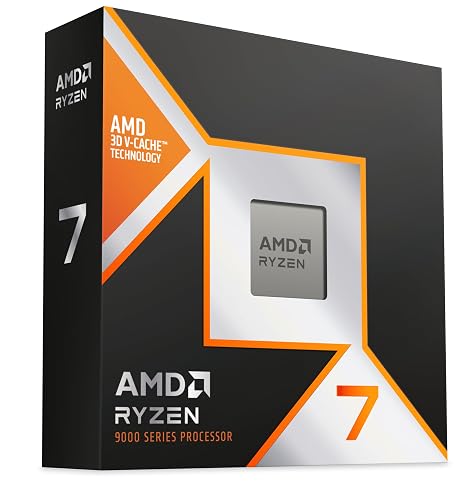 | Premium Gaming Pick | Socket: AM5 | Core Count: 8 cores | Thread Count: 16 threads | VIEW LATEST PRICE | Read Our Analysis |
| AMD Ryzen 5 7600X CPU Bundle with ASUS TUF Motherboard | 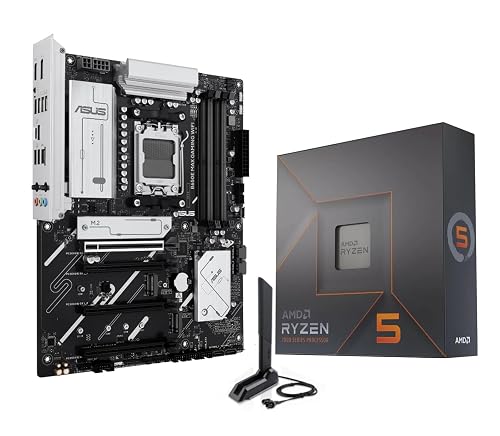 | Best CPU Bundle | Socket: AM5 | Core Count: 6 cores | Thread Count: 12 threads | VIEW LATEST PRICE | Read Our Analysis |
| Micro Center Ryzen 9 9900X CPU Bundle | 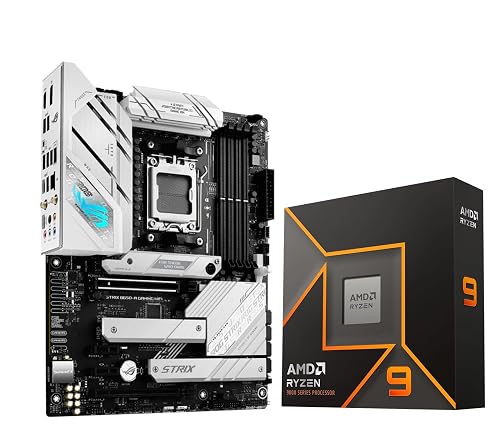 | Best Balanced Bundle | Socket: AM5 | Core Count: 12 cores | Thread Count: 24 threads | VIEW LATEST PRICE | Read Our Analysis |
| Micro Center Ryzen 9 9900X CPU with MSI Motherboard | 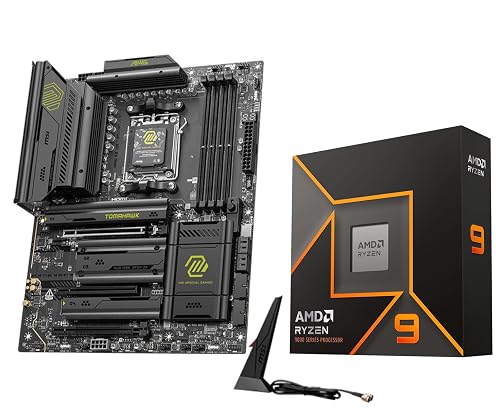 | Best Performance Bundle | Socket: AM5 | Core Count: 12 cores | Thread Count: 24 threads | VIEW LATEST PRICE | Read Our Analysis |
More Details on Our Top Picks
AMD Ryzen™ 9 5900XT 16-Core 32-Thread Unlocked Desktop Processor
If you want one AMD CPU that can handle both high-end gaming and demanding productivity work, the Ryzen 9 5900XT stands out with its 16 cores and 32 threads. You get Zen 3 performance, a 3.3 GHz base clock and up to 4.8 GHz boost speed for responsive play and fast multitasking. Its 72 MB cache helps you stay smooth under load, and the unlocked design lets you overclock. It fits Socket AM4 boards, supports PCIe 4.0 and DDR4-3200, and draws 105 watts. You will need an aftermarket cooler, and the 3 year warranty adds peace of mind.
- Socket:AM4
- Core Count:16 cores
- Thread Count:32 threads
- Boost Speed:4.8 GHz max boost
- Cache:72 MB
- Wattage:105 watts
- Additional Feature:Zen 3 architecture
- Additional Feature:Unlocked for overclocking
- Additional Feature:Cooler not included
AMD Ryzen 9 9900X3D 12-Core Processor
The AMD Ryzen 9 9900X3D 12-Core Processor is an excellent choice if you need a single chip that handles high-end gaming and serious productivity without compromise. It offers 12 cores, 24 threads, and a 4.4 GHz base clock on the AM5 socket, plus 2nd generation AMD 3D V-Cache for improved gaming responsiveness. With 140 MB of cache and a 120 watt TDP, it also supports content creation and streaming effectively. If you want an AMD CPU that can keep up with demanding workloads, this model is built to deliver.
- Socket:AM5
- Core Count:12 cores
- Thread Count:24 threads
- Boost Speed:4.4 GHz base speed
- Cache:140 MB
- Wattage:120 watts
- Additional Feature:2nd gen 3D V-Cache
- Additional Feature:Gaming processor
- Additional Feature:Streaming support
AMD Ryzen™ 7 9850X3D Desktop Processor
AMD Ryzen 7 9850X3D Desktop Processor is a strong pick for gamers and creators who want high-end speed without sacrificing multitasking, thanks to its 8 cores, 16 threads, and 4.7 GHz processor speed. You get AM5 support, 104 MB of installed cache, and 8 MB of secondary cache for quick responsiveness in demanding games and workloads. Its 140-watt design fits a serious desktop build, and the Ryzen 7 series balance helps you handle streaming, editing, and play at once. If you want AMD’s “Worlds Best Gaming Processor Just Got Faster,” this CPU delivers.
- Socket:AM5
- Core Count:8 cores
- Thread Count:16 threads
- Boost Speed:4.7 GHz processor speed
- Cache:104 MB
- Wattage:140 watts
- Additional Feature:104MB installed cache
- Additional Feature:“World’s Best Gaming”
- Additional Feature:Global warranty
AMD Ryzen 5 7600X CPU Bundle with ASUS TUF Motherboard
For gamers and creators who want a fast, modern AM5 setup without piecing everything together, this Ryzen 5 7600X bundle with the ASUS TUF Gaming B650E-E WiFi is a smart fit. You get 6 cores, 12 threads, up to 5.3 GHz boost, 38 MB cache, and unlocked overclocking for responsive play and smooth multitasking. The board adds PCIe 5.0 x16, three M.2 slots, Wi-Fi 6E, Bluetooth 5.3, and USB 20 Gbps Type-C. You will also get sturdy power delivery, BIOS FlashBack, and easy-install features. Note that you will need to provide your own cooler.
- Socket:AM5
- Core Count:6 cores
- Thread Count:12 threads
- Boost Speed:5.3 GHz max boost
- Cache:38 MB
- Wattage:105 watts
- Additional Feature:Wi-Fi 6E
- Additional Feature:BIOS FlashBack
- Additional Feature:PCIe 5.0-ready platform
Micro Center Ryzen 9 9900X CPU Bundle
If you want a high-end AM5 upgrade that can handle gaming and heavy multitasking, the Micro Center Ryzen 9 9900X CPU Bundle is a strong pick. You get AMD’s 12-core, 24-thread Ryzen 9 9900X, which boosts up to 5.6 GHz, supports DDR5, and is open for overclocking. The included ASUS ROG Strix B650-A Gaming WiFi motherboard provides Wi‑Fi 6E, Bluetooth 5.2, PCIe 5.0 M.2 storage, and robust VRM cooling. Note that it does not include a cooler, so you will need to add one.
- Socket:AM5
- Core Count:12 cores
- Thread Count:24 threads
- Boost Speed:5.6 GHz max boost
- Cache:76 MB
- Wattage:120 watts
- Additional Feature:ASUS ROG Strix
- Additional Feature:HDMI 2.1
- Additional Feature:Bluetooth v5.2
Micro Center Ryzen 9 9900X CPU with MSI Motherboard
The Micro Center Ryzen 9 9900X bundle with the MSI MAG X870E Tomahawk WiFi is a strong pick when you want both high-end gaming and serious productivity in one AM5 build. You get 12 cores, 24 threads, and boost speeds up to 5.6 GHz, so your games stay smooth and your workloads move fast. The board adds DDR5 support, PCIe 5.0, dual 8-pin power, and strong cooling for stable performance. With Wi-Fi 7, 5G LAN, USB4, and easy DIY features, you will build a fast, modern system.
- Socket:AM5
- Core Count:12 cores
- Thread Count:24 threads
- Boost Speed:5.6 GHz max boost
- Cache:76 MB
- Wattage:120 watts
- Additional Feature:Wi-Fi 7
- Additional Feature:USB4 support
- Additional Feature:EZ M.2 Shield
Factors to Consider When Choosing an AMD CPU for Gaming and Productivity
When you choose an AMD CPU for gaming and productivity, balance core count and clock speed so it delivers smooth frame rates and fast multitasking. Also consider cache size and platform compatibility, and verify that your cooler and power supply can support the chip you select.
Core Count Needs
For gaming and everyday productivity, 6 to 8 cores are often enough for smooth performance. Twelve to 16 cores make a bigger difference if you multitask heavily, stream, or create content. If you mostly game, you do not need a huge core count; at least 8 cores helps modern titles and background apps stay responsive. When your work runs in parallel, more threads can help a lot. For example, 12 cores can provide 24 threads and 16 cores can provide 32 threads. That is especially useful for video editing, rendering, and large batch exports, where extra cores cut wait times. Choose more cores if you want some future proofing, but keep power use, cooling, and budget in check.
Clock Speed Balance
Once you’ve narrowed your core count, clock speed becomes the next big factor in how an AMD CPU feels for gaming and productivity. Look for a balanced mix of high base and boost frequencies, because a 4.4 to 5.6 GHz boost can make games and light apps feel snappier. Still, don’t chase GHz alone. An eight-core chip with strong clocks often beats a faster but smaller CPU when you’re multitasking, streaming, or editing. For gaming and other single-threaded work, prioritize turbo speed. For rendering, compiling, and heavy multitasking, sustained all-core speed matters more. Match the clock profile to what you actually do most, so you get quick responsiveness without giving up too many cores or threads you will need later.
Cache Impact
Cache can make a real difference in how an AMD CPU feels, because larger caches reduce trips to system memory and keep more game data and working files close to the cores. You will often notice steadier frame delivery in games and faster repeat access in productivity apps when the processor holds more hot data on chip. A chip with 72 MB of cache can keep more assets and working sets nearby than one with 38 MB, which helps latency sensitive tasks. In compiling, rendering, and simulation, cache matters even more because the same instructions and data get reused often. Very large totals, like 104 MB or 140 MB, can shine with big active datasets. Still, do not judge cache alone; balance it with core count, clock speed, and memory support.
Platform Compatibility
Before you choose an AMD CPU, make sure it actually fits your system. AM4 and AM5 motherboards are not interchangeable, so the socket must match. Next, check memory support, because some CPUs work with DDR4-3200, while newer platforms require DDR5. Verify the chipset and PCIe version as well, since they determine whether you get PCIe 4.0 or PCIe 5.0 for your graphics card and storage. Do not overlook operating system compatibility; confirm the processor platform supports Windows 11 or Windows 10 64-bit if that is what you use. Finally, ensure your motherboard BIOS recognizes the CPU generation you want, and that the board power delivery can handle it reliably.
Power And Cooling
When you choose an AMD CPU for gaming and productivity, power and cooling can determine sustained performance. Higher-core chips often draw 105 W to 120 W under load, so you need a cooler and case airflow that can handle that heat without throttling. If your processor ships without a cooler, plan to buy an aftermarket air or liquid solution before you build. Unrestricted CPUs can run hotter when you overclock, so leave thermal headroom if you want stable boost behavior and additional tuning. Fast boost clocks from 4.8 GHz to 5.6 GHz can cause quick temperature spikes, so use good thermal paste and a responsive cooler. Also check your motherboard’s VRMs and heatsinks, especially for long sessions and for support of newer high-speed memory.
Frequently Asked Questions
Which AMD CPU Offers the Best Value for Both Gaming and Rendering?
You’ll get the best value from the Ryzen 7 7700X or the 7800X3D, depending on your rendering needs. The 7800X3D excels at gaming, while the 7700X usually saves you money for balanced performance.
Do AMD X3D Processors Improve Productivity Workloads Significantly?
No, you will not see significant productivity gains from AMD X3D chips; they primarily improve gaming performance by adding extra cache. For rendering or heavy multitasking, choose higher clocked, higher core count Ryzen models instead.
Is DDR5 Memory Necessary for the Newest AMD Gaming CPUS?
No, DDR5 is not strictly necessary for the newest AMD gaming CPUs. However, AM5-based systems require DDR5 memory. It provides a modest performance boost, and fast DDR4 is not compatible with AM5.
How Much Cooling Do High-End AMD Desktop Processors Require?
You will need strong cooling, especially for Ryzen 9 chips. A quality 240 mm AIO or a top-tier air cooler usually suffices; 280 mm or 360 mm liquid cooling keeps temperatures lower and improves sustained boost performance.
Can AMD CPUS Work Well With Older AM5 Motherboards?
Yes. You can pair AMD CPUs with older AM5 motherboards, but you will likely need a BIOS update. Verify the motherboard support list before upgrading.




