
A better gaming room comes down to comfort, smart layout, and gear that fits your style. The right desk, chair, lighting, and screen setup can make every session feel smoother and more fun. Even small upgrades can clear clutter, cool the room, and help you stay focused. With a few smart changes, your setup can feel more personal, polished, and ready for long play.
Choose the Best Gaming Desk
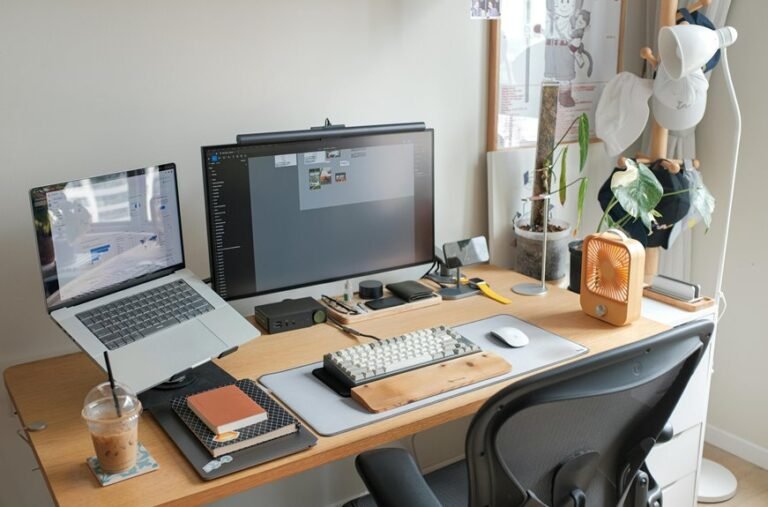
A great gaming desk does more than hold your gear, because it shapes how comfortable, focused, and organized you feel during every session.
You want a desk that fits your room and your play style, so start with the right size. In case your space is tight, compact desk shapes can still give you room for a monitor, keyboard, and mouse without crowding you.
Next, check the desk surface materials. A smooth, sturdy top helps your mouse track well and keeps your setup steady when the action gets intense. Also, look for enough depth so your screen sits at a healthy distance from your eyes.
Finally, choose a desk with smart storage or open legroom, so you can settle in and feel like your setup truly belongs to you.
Pick a Comfortable Gaming Chair
A good gaming chair should support your back, neck, and hips so you can stay comfortable through long sessions.
You’ll also want adjustable features like armrests, seat height, and tilt, because a chair that fits your body feels a lot better than one-size-fits-all guesswork.
And don’t skip breathable material, since mesh or soft fabric can help you stay cool as the game gets intense.
Ergonomic Support Matters
When you spend hours gaming, your chair can make the difference between feeling focused and feeling wrecked. You want a seat that keeps your posture alignment steady, so your back and neck stay relaxed during long matches. Look for firm lumbar support, a seat that lets your hips rest evenly, and armrests that keep your wrists support close to a natural angle.
That way, you can stay in the zone without that slow ache sneaking in. Also, choose padding that feels supportive, not mushy, because comfort should last past the initial round.
Whenever you share your setup with friends, a solid chair helps everyone feel welcome and ready to play. In the end, good support keeps your space feeling like a place you belong.
Adjustable Features Count
Once your chair gives you steady support, the next step is making it fit your body in a more exact way. You want adjustable armrests, seat height, and tilt so your back and shoulders stay relaxed during long matches.
A chair with flexible mounting options can pair well with your monitor arm or desk layout, so your setup feels like one team, not separate parts. Look for lumbar support you can move, because your lower back needs steady care.
Also check how the recline holds you whenever you lean in or lean back. Whenever you add adjustable desk accessories, you build a space that welcomes you every time you sit down. That comfort helps you stay focused, confident, and ready for every win.
Breathable Material Choices
In case you spend long hours in your gaming chair, the fabric matters more than you might realize. You want support, but you also want to stay cool and feel like you belong in your own setup. Breathable mesh chairs let air move around your back, so you don’t get sticky during tense matches. Should you prefer padding, look for moisture wicking seat covers that pull sweat away fast.
| Material | Benefit |
|---|---|
| Mesh back | Better airflow |
| Wicking cover | Less dampness |
| Soft fabric | Cozier feel |
| Smooth finish | Easy care |
Next, match the material to your play style. Should you grind ranked games, choose cooling support initially. Should you stream or relax longer, pick a chair that feels gentle and welcoming. Your seat should help you settle in, not trap heat.
Fine-Tune Your Gaming Room Layout
A smart gaming room layout starts with how you use the space, not just what looks cool, because the right setup can make every session feel smoother and less cramped. You’ll feel more at home whenever each zone has a clear job, and your gear stays close without crowding you. Consider in layers:
- Place your main screen initially, then check wall mount placement for the best view.
- Build a room zoning layout with play, storage, and chill spots.
- Keep your desk angled so you can move without bumping into things.
- Leave open paths so you and your friends can settle in easily.
After that, match your chair, desk, and shelves to the flow. Small changes can make your room feel welcoming, organized, and ready for every match.
Improve Cooling and Airflow
When your gaming room starts feeling warm, your gear and your comfort can both take a hit, so cooling and airflow should come next in your setup plan.
You can start by giving consoles, PCs, and routers some breathing room. Use ventilated console placement on open shelves, and keep vents clear on every device. Then add passive airflow planning by lining up intake and exhaust paths, so air moves naturally through the room instead of getting trapped.
Should you be able to, place a fan near a doorway or window to pull fresh air in. You should also avoid stacking hot gear too close together. That small change helps your setup stay steady, and it keeps your squad space feeling calm, cool, and ready for one more match.
Upgrade Your Gaming Room Lighting
Good lighting can change how your gaming room feels in seconds, and you don’t need a full makeover to make it work.
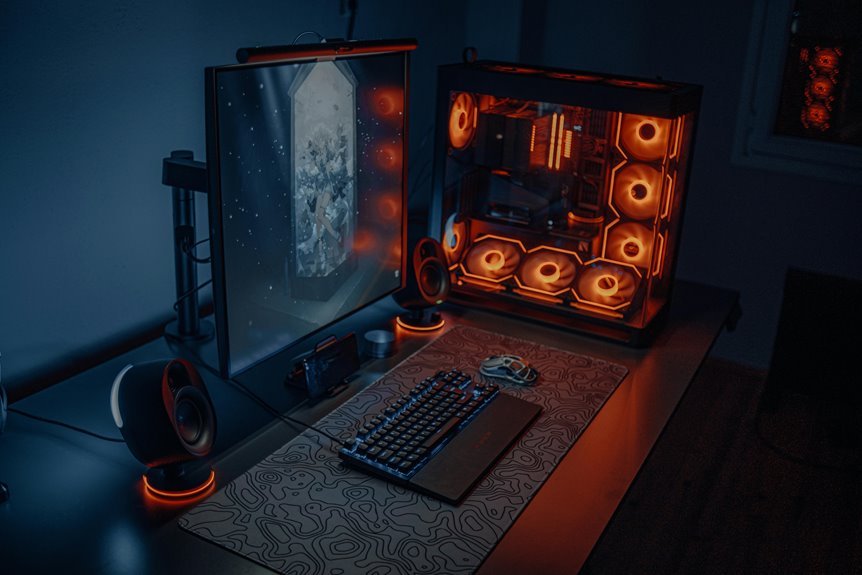
Start with ambient light layers so the room feels soft and balanced, then add RGB accent strips behind your monitor or shelves for a clean glow.
Whenever you mix both, you get a space that looks sharp, feels comfortable, and keeps the focus on your game.
Ambient Light Layers
Layered ambient lighting can completely change how your gaming room feels, because it gives your eyes softer places to land and your setup a richer look. With ambient layering, you build depth instead of one harsh source. That means you can relax faster and feel more at home during long sessions.
- Place a lamp behind your chair for an indirect glow.
- Use a soft ceiling light to lift the whole room.
- Add a desk light to keep your hands and memos clear.
- Set one corner light lower so the room feels balanced.
When these layers work together, your space feels calm, warm, and welcoming.
You’ll notice less eye strain, and your room starts to feel like your crew’s favorite hangout.
RGB Accent Strips
You can place them behind your desk, under shelves, or along the back of your monitor for an RGB accent glow that feels welcoming, not loud. Because they cast subtle edge lighting, your setup looks polished and easy on your eyes during long sessions. You can match the colors to your favorite game, team, or mood, and that small touch helps your room feel more like your own.
Should you want a stronger vibe, layer the strips with dimmer room lights. Also, hide the tape cleanly so the effect stays smooth. With a few smart placements, you’ll build a space that feels connected, cozy, and ready for play.
Organize Cables and Gear Cleanly
As you organize cables and gear cleanly, your gaming room starts to feel calmer right away. You’ll breathe easier once every cord has a place and every device feels easy to reach. Good cable concealment keeps your setup neat, while accessory labeling helps you grab the right charger or controller fast.
- Bundle power cords with Velcro ties.
- Route cables behind desks or wall mounts.
- Store spare gear in labeled bins.
- Keep daily-use items in one tray.
Next, group related tools so your space works with you, not against you. That small system makes the room feel like your own squad zone, where everything belongs and nothing fights for attention.
Once you know where each item lives, you spend less time searching and more time playing.
Add Sound for a More Immersive Setup
Sound can change your gaming room from nice to unforgettable, because a great image feels even better with audio that pulls you in.
You build audio immersion by choosing a headset or speakers that fit your play style. Should you want private focus, a good headset helps you hear every step and voice cue. Should you like sharing the room, place speakers where sound reaches you evenly. Smart speaker placement matters, so keep them at ear level and away from walls whenever you can.
Next, soften the room with rugs, curtains, or cushions to cut echo and make sound clearer. Then test volume, bass, and balance until explosions feel strong but not messy. Once your sound feels right, you’ll feel more connected, and your setup will feel like it truly belongs to you.
Choose a Multi-Monitor or TV Setup
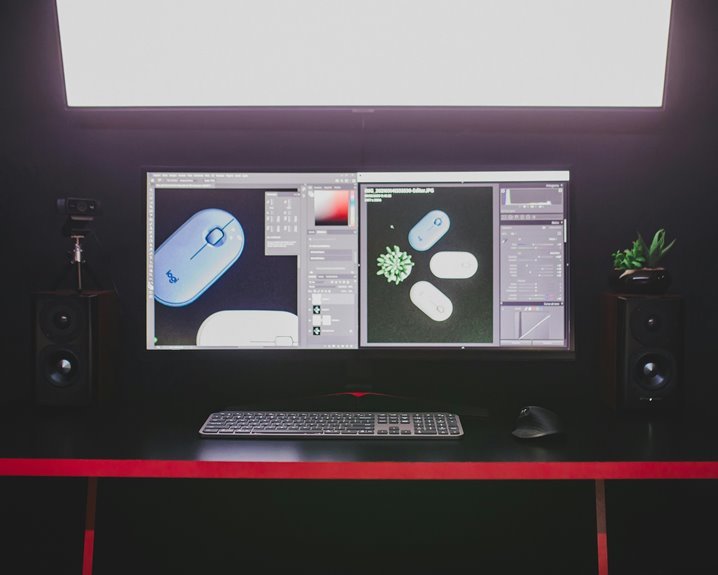
A multi-monitor setup can make your game space feel bigger, sharper, and more alive, especially whenever you want the game, chat, and guides in view at once.
Provided you prefer a TV, choose one with low input lag and the right size for your room so you get smooth play without straining your eyes.
Either way, your screen choice should match how you play, because the right setup can make every session feel easier and more fun.
Multi-Monitor Immersion
Why settle for one screen once you’ve got the space for more? You can build multi monitor harmony that lets you keep the game, chat, and guides in view without feeling crowded.
That extra space also improves peripheral visibility, so you catch alerts and map changes faster, and you stay in the zone with your crew.
- Put your main game in the center.
- Use side screens for chat, builds, or music.
- Match heights with arms for smoother eye flow.
- Leave room for snacks, reminders, and a quick victory dance.
Whenever you arrange screens with care, your setup feels like it was made for you. You’re not just gaming alone. You’re part of a smart, comfortable space that keeps you ready, connected, and relaxed.
TV Screen Selection
Which screen setup fits your space best? If you love a shared, social feel, a TV can bring everyone into the action. Pick a screen size that matches your room, so you don’t strain your eyes or crowd your setup.
Check the display resolution too, because sharp detail keeps fast games looking clean. Then consider distance. A bigger TV works best while you sit farther back, while a multi-monitor setup gives you more control and less head turning.
In case you play solo, multiple displays can keep chat, maps, and games in view. In the event you play with friends, one large screen can feel welcoming and easy to enjoy together. Choose the setup that makes your space feel like your space.
Choose Wall Decor for Your Gaming Theme
While you choose wall decor for your gaming theme, you shape the whole mood of the room before you even turn on your setup. Pick pieces that feel like your squad, because that sense of shared style helps the space feel welcoming. Use theme artwork and a wall poster display to show what you love without crowding the room.
- Mix framed prints with game icons.
- Hang posters at eye level.
- Choose colors that match your lights.
- Leave open space so each piece stands out.
Next, place your biggest design on the main wall, then build around it with smaller accents. That keeps your room balanced and easy to enjoy.
While your walls speak your gaming language, you feel like you belong there every time you sit down.
Create Better Storage for Accessories
After you set the mood with wall decor, the next step is to give every accessory a real home.
You’ll feel calmer once controllers, batteries, headsets, and charging cords stop drifting across your desk. Use drawer dividers to separate small items so you can grab what you need fast. Then place remotes, spare cables, and game cards in labeled accessory bins near your setup. This keeps your space neat and helps you stay in the zone with your crew. Should you share the room, give each person a bin or shelf spot. Add a small tray for daily-use gear, and keep backup parts higher up. Once everything has a place, your gaming room feels welcoming, easy to use, and ready for every match.
Frequently Asked Questions
How Do I Reduce Screen Glare in My Gaming Room?
Reduce screen glare with blackout curtains, matte screen protectors, and monitor placement that keeps displays out of direct window light. These changes can make gaming easier on your eyes and help you stay focused longer.
What’s the Best Way to Soundproof a Small Gaming Room?
Seal the door and gaps first, then add a thick rug, dense curtains, and acoustic panels. This setup reduces echo, limits sound leakage, and gives a small gaming room a more comfortable feel.
How Can I Make My Gaming Room Feel More Immersive?
Build a more immersive gaming room with layered ambient lighting, themed wall art, and sound that matches the action on screen. Use colors, textures, and display pieces that reflect your favorite games, creating a space that feels personal, inviting, and easy to settle into.
Which Accessories Help Keep a Gaming Room Tidy?
Cable organizers and smart storage help keep a gaming room neat. Clips, sleeves, and under desk trays keep cords out of sight, while bins, shelves, and drawer dividers give controllers, headsets, and accessories a clear place to stay.
How Do I Add Personality Without Cluttering the Space?
Bring in personality with framed prints, a small shelf of books or collected objects, and colors you actually enjoy seeing every day. Keep the selection tight so each item has a reason to be there and the room still feels open.