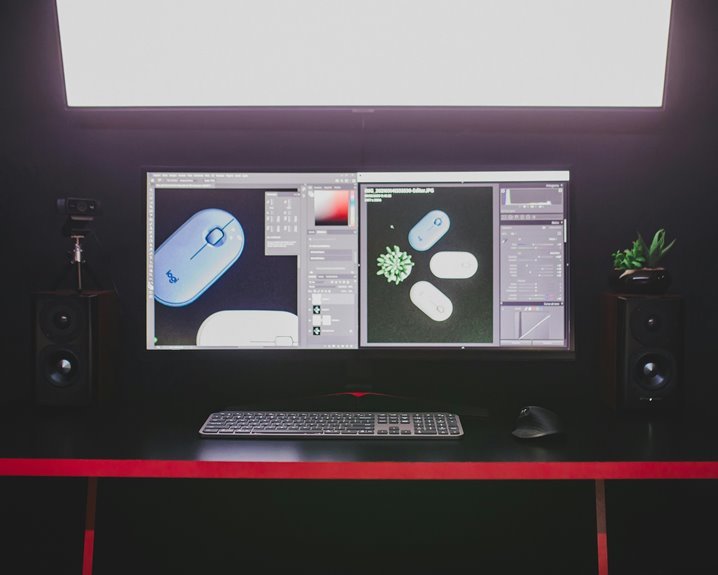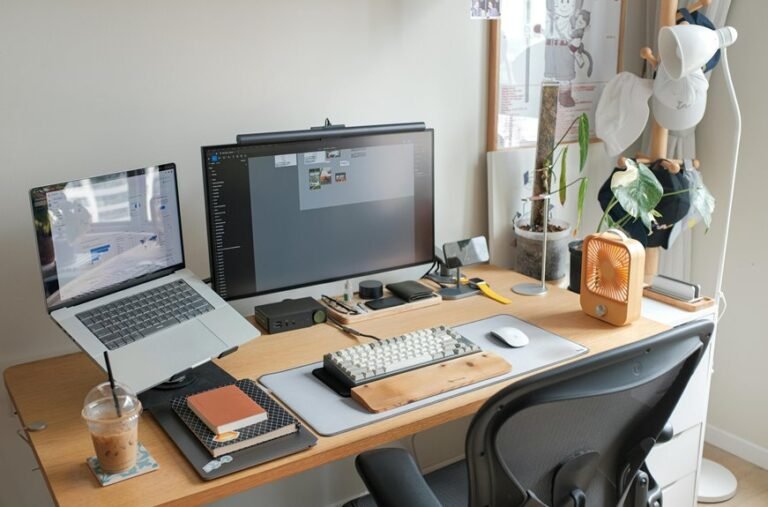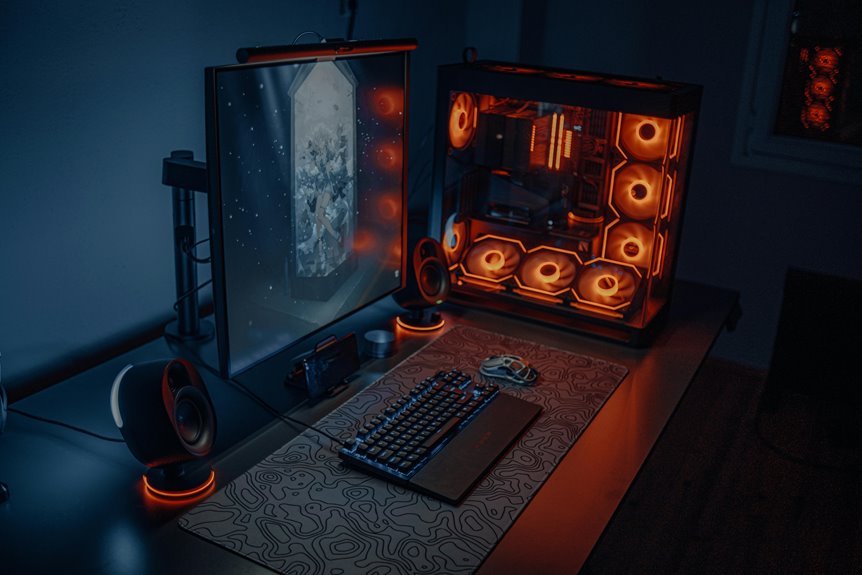

A good gaming desk size gives you enough room for your monitor, keyboard, mouse, and a bit of extra space to stay comfortable. For most setups, a desk around 48 to 60 inches wide and 24 to 30 inches deep works well. Bigger setups with multiple monitors usually need more width and depth. With a few simple measurements, it’s easy to find a desk that fits your room and your play style.
What Gaming Desk Size Do You Need?
Choosing the right gaming desk size comes down to how you actually play, not just how much room you wish you had. If you run a single monitor, a 47 to 48 inch desk usually feels right.
For dual screens, aim closer to 55 to 60 inches so your mouse hand stays relaxed. Triple setups need about 71 inches or more, especially if you like room for speakers or a mic.
Depth matters too, since 24 inches can feel tight, while 30 inches gives you breathing space. After that, check gaming desk materials for strength and finish, because wobble kills focus fast.
Then look at cable management solutions, so your setup feels clean, calm, and truly yours.
Measure Your Room and Gaming Gear
Before you buy a desk, measure the room and your gaming gear, because a great setup only works once everything fits with room to breathe. Start with room layout planning, and map the wall, door, outlet, and chair path.
Then use furniture measurement tools, or even a tape measure, to record the desk zone, monitor stands, tower, speakers, and mouse space. Check width, depth, and height so your gear won’t crowd your arms or block movement. Whenever your monitor arm, keyboard tray, or console adds bulk, include that too.
You’ll feel more at home once the numbers match your gear, not just your hopes. A quick sketch helps you spot tight spots before they become annoying spots, which saves stress and keeps your gaming corner welcoming.
Choose a Desk Size for Your Room
A desk that fits your room can make your whole gaming space feel calmer, cleaner, and easier to use, so it helps to match the size to both your floor plan and your gear.
Start with your room layout, then check where doors, windows, and walking paths leave room for you to sit without feeling boxed in.
Provided that your space is tight, a compact desk can still feel welcoming whenever furniture placement stays open and balanced.
In a larger room, you can choose a wider setup that gives your gear breathing room and helps you feel like you belong in the space.
Keep the desk centered where possible, and let nearby shelves or chairs support the setup instead of crowding it.
Whenever the shape works with the room, your game area feels naturally yours.
Pick the Right Desk Depth and Width
You need enough desk depth so your screen sits at a comfortable distance and your wrists still have room to rest.
Then match the width to your setup, because a single monitor, dual monitors, or a full streaming rig each asks for different space.
Whenever you leave extra room for your keyboard, mouse, and speakers, your desk feels less crowded and your gaming setup works better.
Ideal Desk Depth
The right desk depth can make your gaming space feel calm instead of cramped, and that difference matters more than many people expect. You want enough room to sit back, move freely, and keep your hands relaxed.
For most players, 24 inches works as the bare minimum, but 30 to 36 inches feels better for comfort and desk depth ergonomics. That extra space helps you stay in a natural posture and keeps your setup from crowding you.
Whenever you check depth measurement standards, look at the usable surface, not just the frame. Then match the depth to your gear, like a monitor, keyboard, and mouse.
Whenever you play for long sessions, deeper surfaces usually feel easier and more welcoming too.
Optimal Desk Width
Width is where your gaming desk stops feeling like a tight little command post and starts feeling easy to use. You want enough room to settle in, not sprawl like a raccoon with a new obsession.
For a single setup, 47 to 48 inches usually feels right. Provided you run dual monitors, aim for 55 to 60 inches so your layout stays calm and balanced.
Triple screen builds need about 71 inches or more, and wider L-shaped options help in case your setup grows. Check desk width aesthetics too, because the right span can make your space feel inviting, not cramped. Also, choose desk width materials that stay sturdy under pressure, so your gear feels anchored and your corner feels like home.
Monitor And Peripheral Space
When your screen, mouse, and keyboard all compete for space, desk depth becomes just as essential as width. You want enough room to sit back, keep your elbows relaxed, and still feel part of your gaming crew. A 24 inch depth works only for a single monitor, while 30 to 36 inches feels much better for multiple screens and accessories.
Width matters too, since cramped edges make desktop organization harder and mess with cable management.
- 47 inches fits a compact single setup.
- 55 inches supports dual monitors and peripherals.
- 71 inches gives triple screens room to breathe.
- 24 inches is the bare minimum, not the sweet spot.
If you use monitor arms, you can save space and keep your setup cleaner and calmer.
Size Your Desk for Monitors and Peripherals
You need enough monitor width so the screens don’t crowd your play area or block your view.
Then you should leave room for your keyboard, mouse, speakers, and any other gear that likes to wander.
A well-sized desk keeps everything easy to reach, so your setup feels clean instead of cramped.
Monitor Width Clearance
A good gaming desk gives your monitors breathing room, and that space matters more than most people picture. As you check monitor clearance, you keep your setup calm, clean, and easy to use. Good screen spacing helps you stay focused, and it also makes your desk feel like it belongs to you.
- For one monitor, aim for at least 39 inches.
- For two 24-inch screens, start at 48 inches.
- For two 27-inch screens, 60 inches feels right.
- For three screens, plan on 71 inches or more.
If you love a tight, cozy battle station, you can go smaller, but your neck and mouse hand could complain. With the right width, you and your gear can settle in without crowding each other.
Peripheral Space Needs
Now that your monitor width feels right, it’s time to make sure your desk still has room to breathe around the edges.
You need space for your keyboard, mouse, speakers, and that controller you swear you’ll put away later.
Aim for at least 24 inches of depth, and 30 inches feels better if you run multiple screens or a bigger mouse mat.
Wider desks, around 55 to 63 inches, help you keep gear spread out without crowding your main play zone.
Good cable management keeps cords from stealing space and getting tangled behind your setup.
Should you use headsets, docks, or controller storage, leave a small home for them too.
As soon as everything has a place, your desk feels calmer, and you do too.
Use Ergonomics to Improve Comfort
Comfort starts with fit, and the right desk size works best whenever it matches your body and your gear. Whenever you sit down, you want posture alignment that keeps your shoulders relaxed and your back steady. A desk with the right height and depth also gives your wrists support, so your hands can move without strain.
- Keep elbows near 90 degrees.
- Set your screen at eye level.
- Leave room for your mouse glide.
- Let your knees fit comfortably under the desk.
Whenever these pieces line up, your setup feels like it belongs to you. That comfort helps you stay focused longer and makes each match feel smoother. Small changes can make your gaming spot feel less like a squeeze and more like your own space.
Avoid Common Gaming Desk Sizing Mistakes
One of the easiest gaming desk mistakes is picking a size that looks cool online but feels wrong once your gear lands on it. You can avoid that via measuring your monitor, keyboard, mouse, and speakers before you buy.
If you use two screens, aim wider than 48 inches, and give yourself at least 24 inches of depth so your hands don’t feel trapped. Also, check height and leg space together, because uneven legroom pitfalls can make every session feel awkward.
Next, consider cable clutter control so cords don’t steal the room you paid for. Upon you match the desk to your actual setup, you’ll feel at home, not squeezed in. That little bit of planning helps you game comfortably and stay in the groove.
Frequently Asked Questions
What Desk Size Works Best for a Streaming Setup With Lighting?
A 55 to 71 inch desk, ideally 30 inches deep, gives you enough space for lights, a clean camera angle, and a comfortable streaming layout. It keeps your setup organized and leaves room to create without feeling cramped.
How Much Clearance Should a Gaming Desk Have Behind It?
Leave 2 to 4 inches between the desk and the wall, plus a bit more room if you need access to plugs, surge protectors, or wall mounted gear. That spacing helps with airflow and makes cable management and cleaning easier.
Are Curved Desks Better Than Straight Desks for Gaming?
Curved desks suit players who want the screen, keyboard, and mouse to sit closer around their reach, while straight desks make it simpler to place speakers, extra monitors, and future accessories without awkward spacing, so the better choice depends on how you actually build and use your setup.
What Desk Height Suits Tall Gamers Using an Ergonomic Chair?
For tall gamers, a desk height of 29 to 30 inches often works well, then adjust it until your elbows rest at about 90 degrees and your chair supports a relaxed, upright posture.
Can a Gaming Desk Fit Both a PC Tower and Console?
Yes, a gaming desk can hold both a PC tower and a console if you plan the layout carefully. Place the tower where airflow stays clear and leave enough room around the console for cables, cooling, and easy access. This creates a setup that feels organized, comfortable, and ready for both systems.