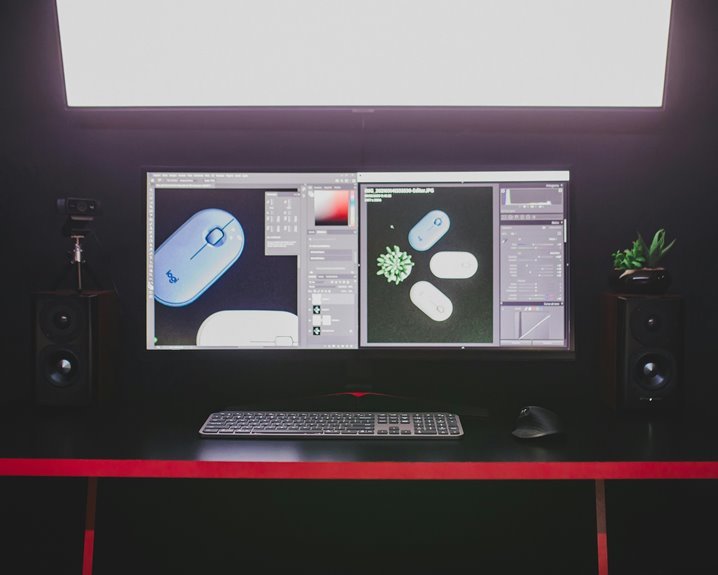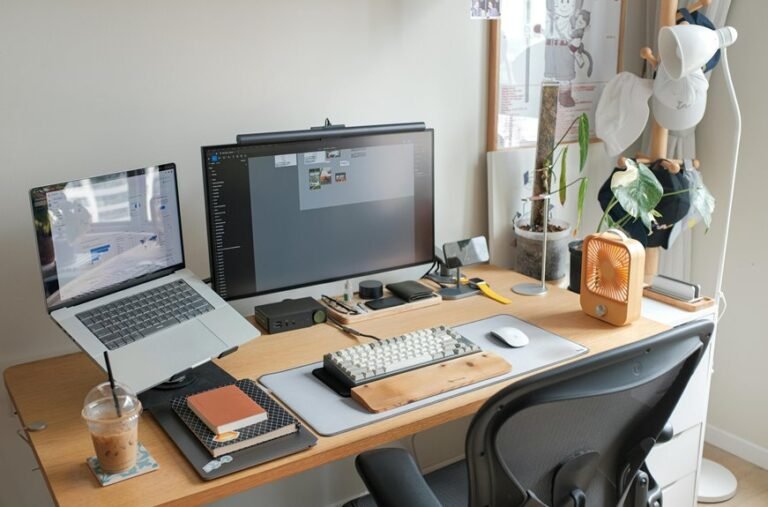

A great RGB setup looks best with a clear plan, balanced colors, and smart light placement. The goal is to add depth and style without turning your space into a glare show. Clean cables, synced effects, and the right brightness make everything feel polished. Here are eight simple ways to make your RGB setup look better and feel more put together.
Pick the Right RGB Goal for Your Setup
Before you buy a single strip or bulb, get clear on what you want your RGB to do. If you want goal based lighting, decide whether you need focus, comfort, or flair. For a desk, you may want calm light that cuts glare and helps you stay in the zone.
For a room hangout, mood specific accents can make your space feel warm and inviting. Consider how you want people to feel when they walk in, because that emotion guides every choice. Then match the effect to the space you already have, not to a random trend.
Whenever you pick a clear goal initially, your setup feels like it belongs to you, and that makes the whole room feel more yours.
Choose RGB Colors That Match Your Space
Once you know what your RGB setup should do, the next step is choosing colors that actually fit the space you dwell or work in. Use color psychology to guide the mood, because blue can calm you, red can energize you, and warm white can make your desk feel friendly. Consider about room harmony too, so your lights support the walls, furniture, and decor instead of fighting them.
| Space | Good Colors | Effect |
|---|---|---|
| Bedroom | Soft blue | Restful |
| Office | Cool white | Focused |
| Gaming nook | Purple and cyan | Fun |
| Living room | Warm amber | Cozy |
| Shared room | Muted green | Balanced |
When you match tones this way, you help everyone in the room feel like they belong, and your setup feels personal without trying too hard.
Place RGB Strips for Cleaner Lighting
Mounted with purpose, RGB strips can make or break the clean look of a room, so placement matters just as much as color. You should start with accent placement along edges that frame your desk, shelf, or monitor. This keeps the glow intentional, not messy.
Next, tuck strips where they can wash light onto a wall or ceiling for indirect bounce. That soft reflection makes your setup feel bigger and calmer, and it helps you belong in the space you built.
You can also run strips behind furniture to hide the source while keeping the effect bright. When one side feels too harsh, shift the strip a little and test again. Small changes often turn a busy corner into a polished, welcoming scene.
Hide Cables and Mount Lights Neatly
Tidy wiring does more than make your setup look nice, because it also keeps your lights working the way you want them to.
You can start with cable management by routing cords behind furniture, along edges, and through clips so they stay out of sight. Next, use mounting hardware that fits your wall, desk, or shelf, because a firm hold keeps strips and panels from slipping. Then label each plug so you can swap parts later without guessing. If you leave a little slack at corners, you’ll avoid strain and sudden disconnects. You’ll also make room for airflow, which helps everything stay cooler.
With neat placement, your space feels calm, polished, and ready for you and your crew to enjoy together.
Sync RGB Effects Across Devices
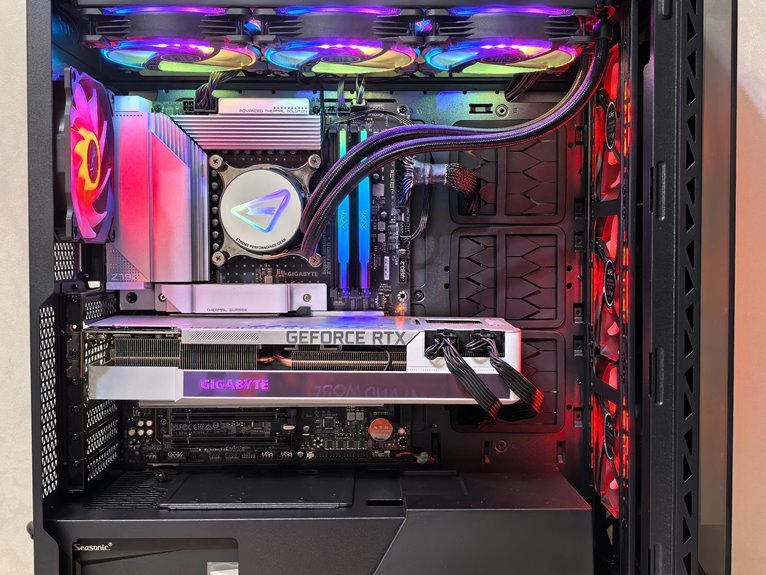
As you sync RGB effects across devices, your setup stops feeling like a pile of separate parts and starts working like one smooth system. You can build a shared vibe that makes every fan, strip, and RAM stick feel like they belong. Check device compatibility initially, then use cross platform control so each brand follows the same pattern. That way, your desk, tower, and room lights move together without awkward clashes.
| Device | Match | Result |
|---|---|---|
| Fans | Motherboard header | Steady pulse |
| Strips | App profile | Shared color |
| RAM | Sync software | Same scene |
If one tool lags, pick a hub or app that supports more gear. Subsequently save a profile, and your whole setup will stay in step, like a squad that actually gets along.
Adjust Brightness for a Cleaner Look
Brightness is often the quiet fix that makes RGB look polished instead of messy, because too much light can wash out the color and too little can make the whole setup feel dull. You can start via lowering each effect until the glow feels like clean light, not a spotlight.
Then check your screen, desk, and walls together, since brightness balance changes how the room feels as a group. Whenever your strips sit behind a monitor or along a shelf, trim the power a bit more so the color stays clear and welcoming.
After that, look at the room from your seat, not just up close. Whenever you tune it for comfort, you make your space feel calmer, sharper, and easier to enjoy with everyone else.
Use Diffusers to Soften RGB Glare
Even after you set the right brightness, hard LED points can still feel harsh, especially on glossy walls or in a small room. You can soften that glare with a diffuser, and your setup will feel calmer and more welcoming.
It helps you keep the glow, but lose the sting, so the room feels like it belongs to you.
- Choose diffuser material choices like silicone, acrylic, or fabric wraps for a smoother spread.
- Try frosted lens options on light strips or fans to blur sharp points.
- Place diffusers between the LEDs and reflective surfaces to cut hot spots.
- Match the diffuser style to your space, so your colors look warm, shared, and easy on the eyes.
Fine-Tune RGB Settings in Software
How do you get your RGB to feel just right? You do it in software, where you can shape every glow to match your space and mood.
Start with software preset management so you can save a look for gaming, work, or late-night chill. Then move into channel calibration settings and balance red, green, and blue until the color feels clean, not loud.
If your setup feels off, lower brightness a bit and check each zone one one. That small tweak can turn a harsh shine into a smooth, shared vibe.
You’re not just changing lights. You’re building a setup that feels like it belongs to you, and that’s what makes the room feel welcoming.
Frequently Asked Questions
How Do I Prevent RGB Light Spill Onto Nearby Surfaces?
Control RGB spill by shaping the beam with grids, flags, or diffusion, angling fixtures away from walls and furniture, and reducing output until only the intended area is lit. This keeps color off nearby surfaces and gives the scene a cleaner finish.
Can RGB Lighting Replace Gels for Cinematic Scene Setups?
Yes, RGB lighting can take the place of gels when you need fast color changes, close control, and easier fixture matching on set. It lets you shape a cinematic look with less setup time and works well in productions that rely on adaptable lighting systems.
What’s the Best RGB Arrangement for Green Screen Shooting?
Use two saturated green RGB lights aimed evenly at a white backdrop, place your subject several feet in front of it, and keep the background exposure just below the subject’s key light. Match white balance and color temperature precisely to maintain a stable chroma key.
How Can I Use RGB to Create a Gaming Room Atmosphere?
Create a gaming room atmosphere with RGB by placing light strips behind your monitor, beneath your desk, and around wall edges. Set each area to work together with your screen colors or game style so the whole room feels more immersive and responsive.
What’s the Difference Between ARGB and Standard RGB Headers?
ARGB uses a 5V header and lets each LED display its own color. Standard RGB uses a 12V header and applies one color across the entire strip or fan. Check both the connector type and voltage before plugging anything in, since ARGB and RGB are not interchangeable.